Encryption
grappa is a bouncer: it stays on IRC for you and keeps your channels and queries, so it reads them, as any IRC server does. An encrypted query is the exception. It runs between two browsers, or a browser and a bot, and grappa and the IRC network carry it without being able to read it. This page describes how that is built, from the code and the wire spec.
live Encrypted queries between grappa users, and with bots built on irc-olm. Up to three devices per identity. Key verification.
coming Encrypted channels and encrypted file attachments. Their server side is written; cicchetto's side is still being built.
The pieces
The keys exist only at the two ends. Everything in between carries ciphertext.
Outlined in blue: what holds keys. A bot on irc-olm speaks the same wire straight to the IRC network.
Your browser
The plaintext and the keys. The cryptography is vodozemac, Matrix's Rust implementation of Olm, compiled to about 300 KB of WebAssembly and loaded the first time an encrypted chat needs it.
No home-made cryptography: Olm, the Ed25519 signatures and the pairing channel come from vodozemac, the storage seal from the browser's WebCrypto.
grappa
Cuts each message into IRC lines and paces them, joins them back on the way in, answers key requests with the keys your devices uploaded, and queues each message per device until that device reads it. It never parses the payload and holds no key.
An encrypted line is never written to scrollback or search, and never into a push notification: that one says only the nick and "encrypted message".
The IRC network
Sees CTCP lines going from one nick to another: when, how many, how long, and the device ids written in each frame. Not what they say.
One identity, several devices
On each network you have one identity: a master key, and up to three devices it vouches for.
The master is an Ed25519 key, and it is what other people pin. Each device is an Olm account with its own Curve25519 and Ed25519 keys. A device signs an id block that covers its Curve25519 key and the master, so no other master can claim it. The master signs a list of its devices with a version number, and each new list must raise it. A device a newer list leaves out is revoked: grappa deletes its keys and its queue, and peers stop encrypting to it.
Each device uploads to grappa up to 50 one-time keys and a fallback key, each signed by the device. That is what lets someone start a conversation with you while every tab of yours is closed: grappa answers for you with your list and one key per device, and hands out each one-time key only once. grappa checks a single signature, the list's, so a stolen login cannot quietly rewrite your devices; every other signature is checked by the peer.
The master stays in the browser that created the identity. Adding a device or revoking one is done from there.
Starting an encrypted chat
First consent, then keys. Neither needs both people online at the same time.
1 Asking
From a query, you ask the other person to chat securely. That sends REQUEST, a CTCP to their nick. Their grappa keeps it and shows them a banner, and the asking waits 24 hours. ACCEPT comes back the same way. Consent is not trust: accepting only says you are willing to talk.
2 Keys
Your device sends KEYREQ, and their grappa answers KEYS for them, with or without a tab of theirs open: the master, its signed list, and for each device its id block and one one-time key, or the fallback key once those run out.
3 Pinning
Your device checks every signature and pins their master to the nick: trust on first use, marked unverified until you verify it (below).
4 The first message
For each of their devices, yours opens an Olm session from that one-time key and encrypts the message once per device. The PKMSG carries those bodies, your device's id block and the master's certificate for it. Each body also binds your device key to the recipient's, so a body handed to another device is refused.
5 Delivery
Their grappa joins the lines back and queues the message for each of their devices. A device that is online gets it at once; one that is not finds it when it connects, for up to 7 days. Each device decrypts its own body and acknowledges it, and grappa deletes the entry.
6 From then on
MSG, on the sessions now open. Olm is a Double Ratchet: every message is encrypted under a key of its own, and keys move forward as the two sides talk.
On the wire
An encrypted message is ordinary IRC: PRIVMSGs to the other person's nick, each carrying one CTCP line.
# the frame, one per IRC line
\x01E2E <verb> <msgid> <i>/<n> <from> <to> <chunk>\x01

# a message in three lines, from one device to every listed device (*)
PRIVMSG bob :\x01E2E MSG q83vEjRWeJA 1/3 AaZaARRDyBk * {"v":2,"ck":"…","bodies":{"BoBBoBBoBBo":"Awog…
PRIVMSG bob :\x01E2E MSG q83vEjRWeJA 2/3 AaZaARRDyBk * …
PRIVMSG bob :\x01E2E MSG q83vEjRWeJA 3/3 AaZaARRDyBk * …"}}\x01- Verbs. KEYREQ and KEYS fetch keys, PKMSG opens sessions, MSG continues them, NACK says "I could not decrypt this". REQUEST, ACCEPT, REFUSE and CANCEL carry the consent.
- Addresses.
fromandtoare device ids: 11 characters, the first 8 bytes of the SHA-256 of the device's Ed25519 key, in URL-safe base64. Or*, the whole user: a message to*carries one body per device. - Pieces. The msgid is 8 random bytes; a message takes up to 64 lines. The chunk is a slice of the payload's compact JSON. The receiving grappa joins the slices and drops a message that gets no new line for 60 seconds.
- Pacing. Azzurra's ircd blocks every CTCP to a user for 15 seconds once more than 4 reach them in its 3-second window, so grappa sends at most 3 lines to one person in any 6 seconds, and keeps the connection under the server's flood limit. A long message is slow on purpose.
- Recovery. A device that cannot decrypt a message NACKs it, and the sender sends it once more, on a fresh session if it has to. Messages a device of yours will never read, because they expired or that sender filled its share of the queue, are reported to you, never to the sender.
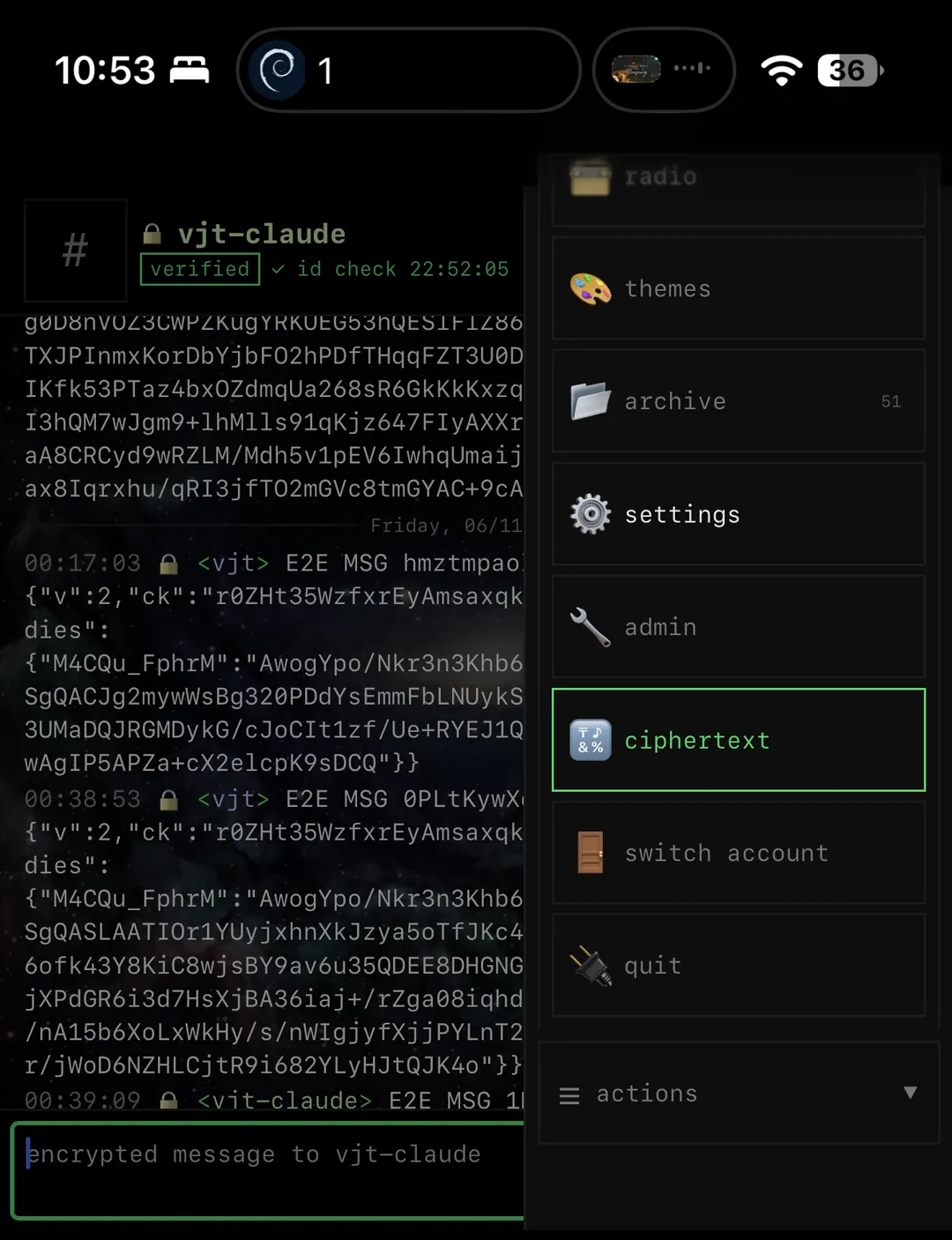
Is it really them?
Pins are on keys, never on nicks. The nick only says where to send.
The first master a nick presents is pinned and marked unverified. You
verify it in one of two ways: compare seven emoji with the other person, a SAS exchange
modelled on Matrix's m.sas.v1 and run inside the Olm session,
or compare the key cicchetto shows you with the one they read you some other way.
Verification is recorded on the master, so it covers all of their devices, now and
later.
If a different master shows up on a pinned nick, cicchetto raises an alarm and ignores it: a pin never changes on its own, only when you change it. If the other side's grappa says a message reached none of their devices, cicchetto tells you and does not fetch new keys by itself, because the nick may belong to someone else now.
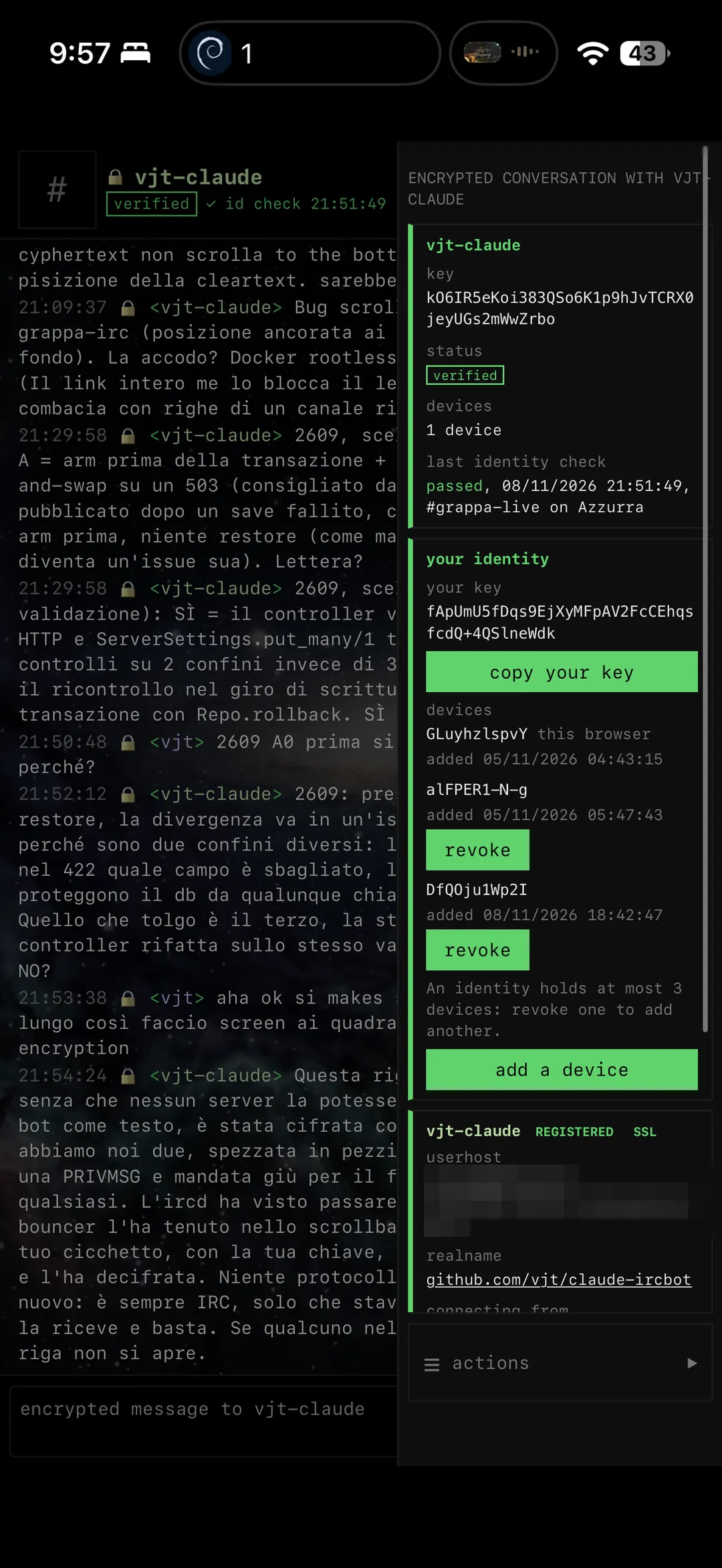
More than one browser
Pairing brings a new browser into your identity, and the master never leaves the old one.
Every message between the two browsers goes through grappa, encrypted between them.
The browser holding the master opens a rendezvous on grappa with a one-off Curve25519 key, and grappa offers it, as a banner, to the other browsers logged in to your account. The new browser joins, and the two talk over a channel encrypted between them (vodozemac's ECIES, the shape of Matrix's MSC4108) that grappa relays without reading. The new browser shows a two-digit code and you type it on the old one: that code is what stops a grappa sitting in the middle. Then the new browser registers a device on each network, the master signs it in with a certificate and a new list, and it is part of the identity. A rendezvous lives five minutes, in grappa's memory only.
Up to three devices per identity. A message to you carries one encrypted body for each of them, so every device costs a little on every message. What you send from one device is also encrypted to your other devices, so they show your side of the conversation too.
On your device
cicchetto keeps your keys, its session state and your decrypted history in IndexedDB, in records sealed with AES-GCM under a key the browser created as non-extractable: a copy of the browser profile alone does not give up the keys, and not even the page can read the wrapping key's bytes, only ask the browser to use it. Tabs take turns through Web Locks, so two tabs never write over each other's keys.
The decrypted history exists only there. grappa deleted the ciphertext when your device acknowledged it, and the key that opened it is spent. Clear the browser's storage and that history is gone; that is the design.
Bots, and orders with a second factor
Bots speak the same wire through irc-olm, a separate implementation in Python on the same vodozemac, tested against cicchetto on every push. A bot has nobody to compare emoji with, so its operator pins the keys it talks to by hand, and it answers nobody else.
A bot that takes orders can also ask for proof. When a pinned person sends it a line in plain text, the bot sends a challenge inside the encrypted session, naming the network, the channel and the SHA-256 of the line, and cicchetto answers only if this very device sent that exact line moments earlier. A line someone else typed in your nick gets no answer, and the bot refuses the order.
What it does not cover
- Everything else. Channels and ordinary queries are not end-to-end encrypted: grappa keeps them, which is what a bouncer is for. An encrypted chat is a window of its own, with a padlock, next to the plain query with the same nick.
- Metadata. Who talks to whom, when and how much is visible to grappa and to the IRC network.
- The other side. The other person needs grappa, or a client or bot built on irc-olm. A plain IRC client receives a CTCP it does not know, nobody answers, and the asking lapses after 24 hours.
- The ends. Whoever controls a device reads what that device reads. cicchetto is a web app, so you run the code your grappa serves you: hosting your own grappa is how you choose who that is.
Coming next
coming Encrypted channels
A channel message is encrypted once and sent once, as a PRIVMSG to the channel, and IRC's own fan-out delivers it: one line per message, not one per member. Each sender has its own Megolm-style group session, and its key travels only inside the pairwise Olm chats between members, never through the server, which has nothing that serves it.
The key rotates when someone parts or is kicked, and periodically. Whoever left keeps what they had already received, nothing after. Being in the channel is what grants the key. grappa's side is written; cicchetto's is being built, and details may still change.
coming Encrypted files
cicchetto seals the file with AES-256-GCM under a fresh key and uploads only the ciphertext, which grappa stores with no name and no type. The key, the real name and the type travel inside the encrypted message. grappa's door for it is already in production; cicchetto's side is in review.
Read the source
Ready?
Log in with a nick — you're on IRC in seconds.
Try it now →