grappa
Modern IRC — always-on, usable from a phone.
Without making it not-IRC.
Log in with a nick and you're in. A password is only for registered users.
See it
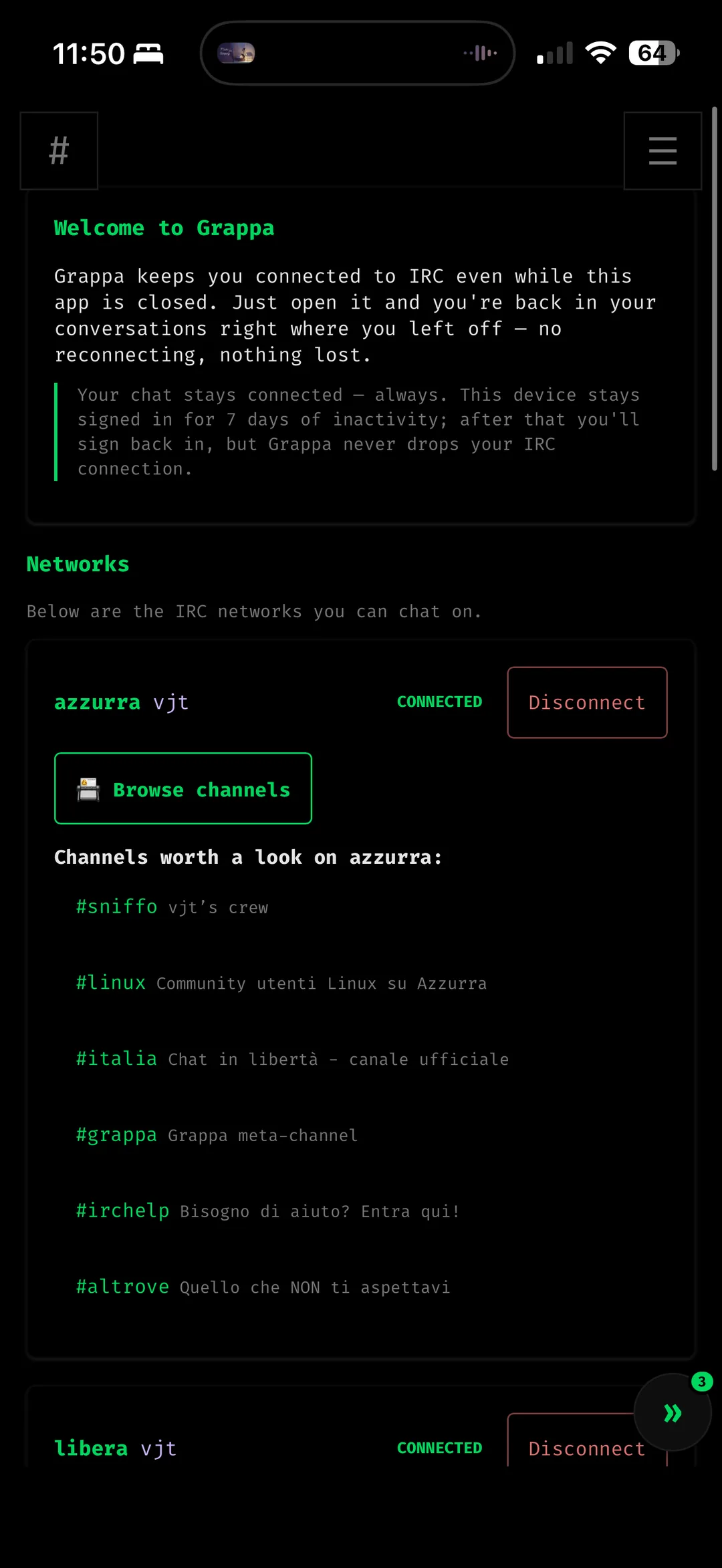
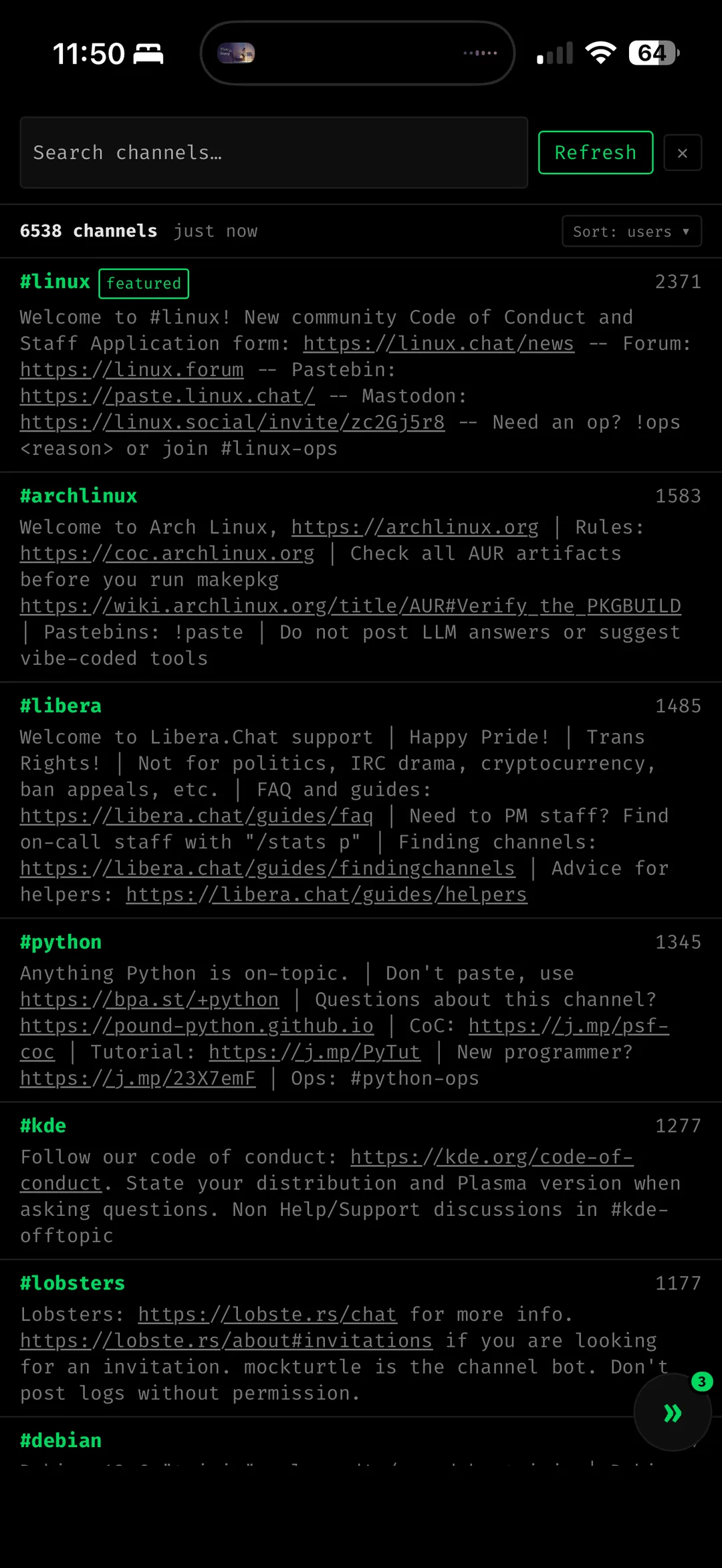
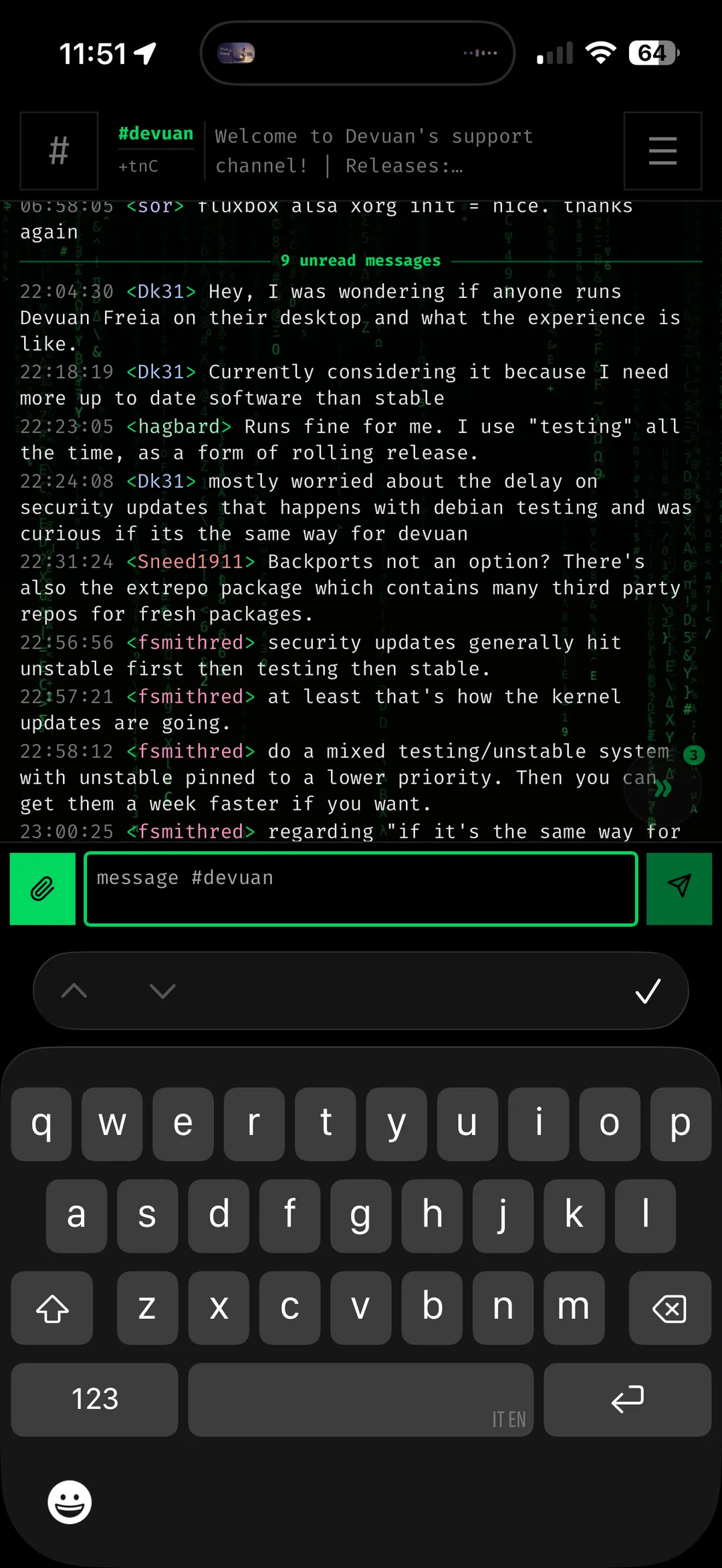
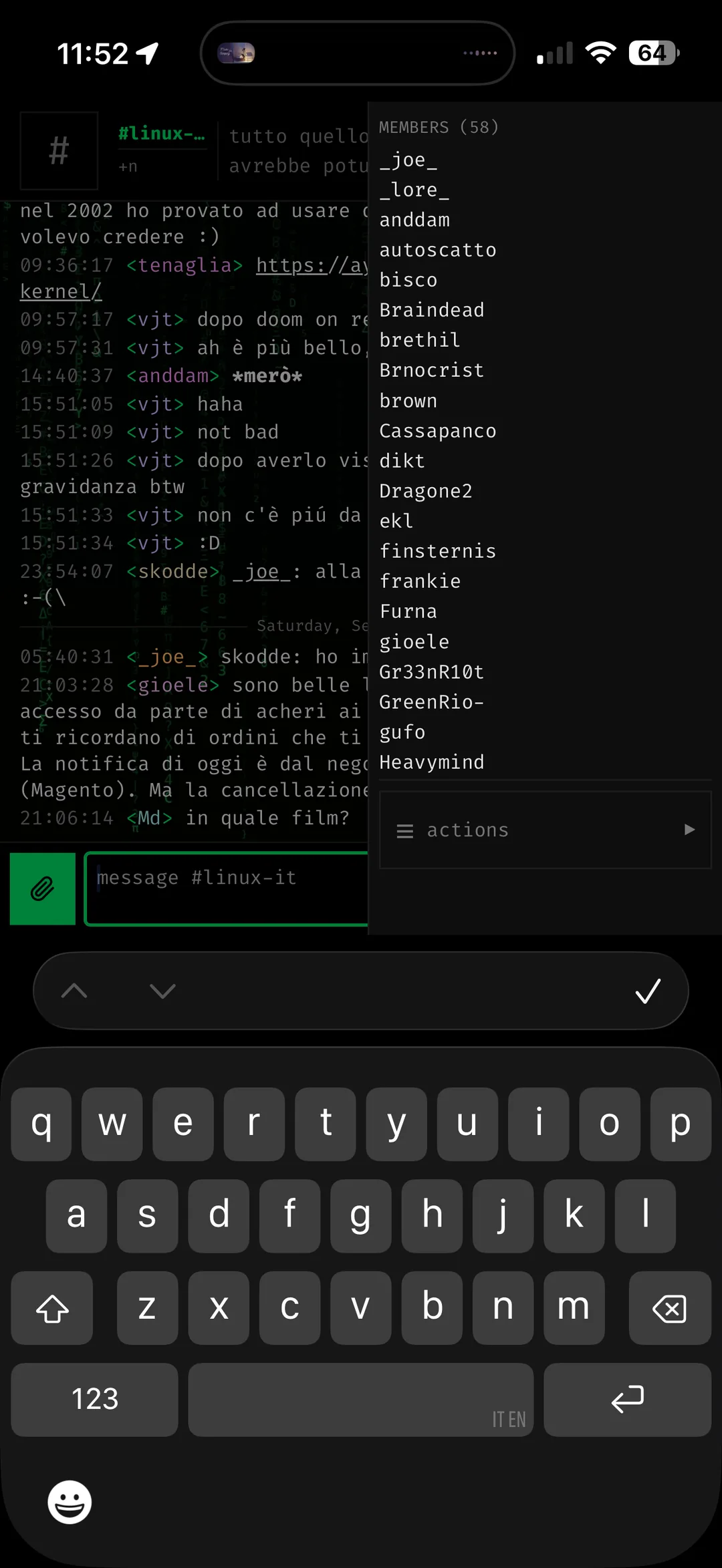
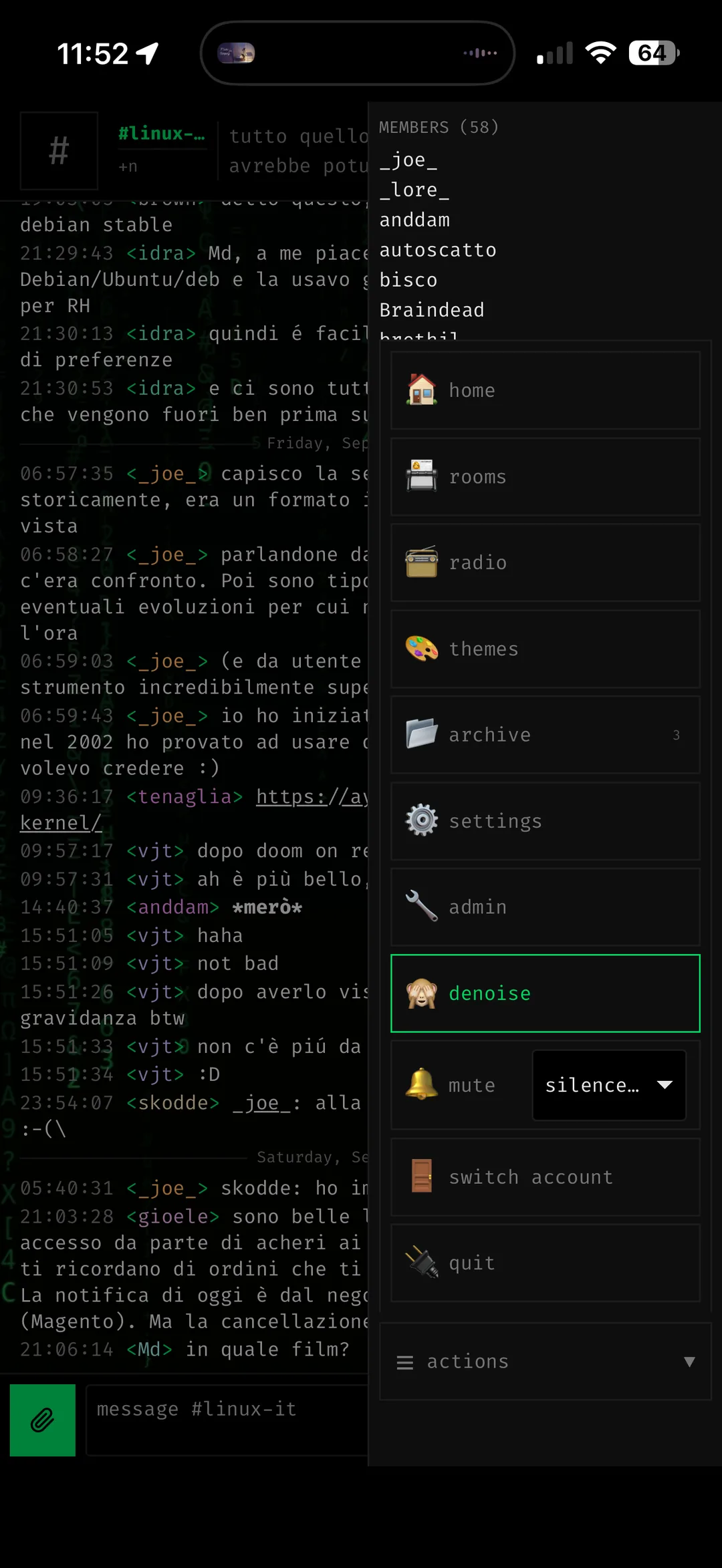
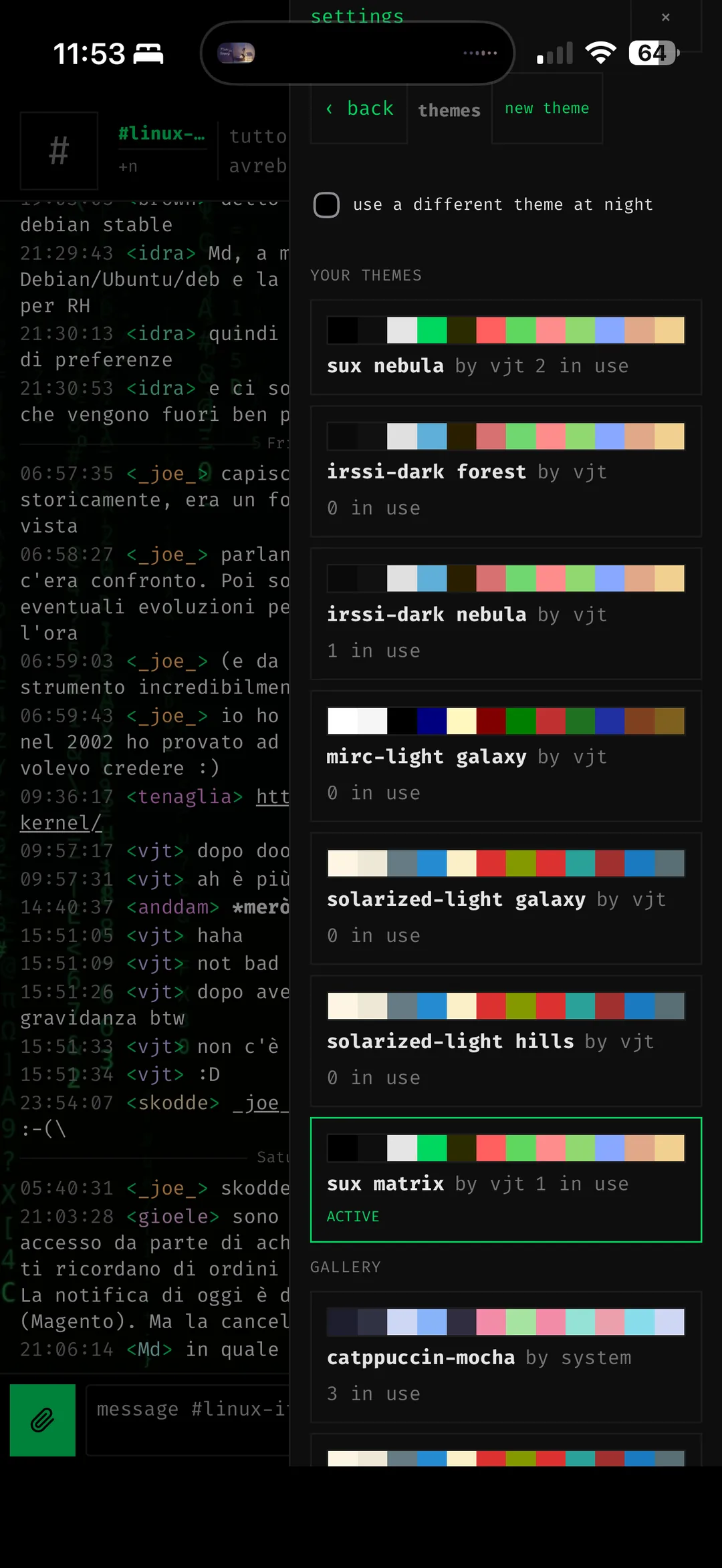
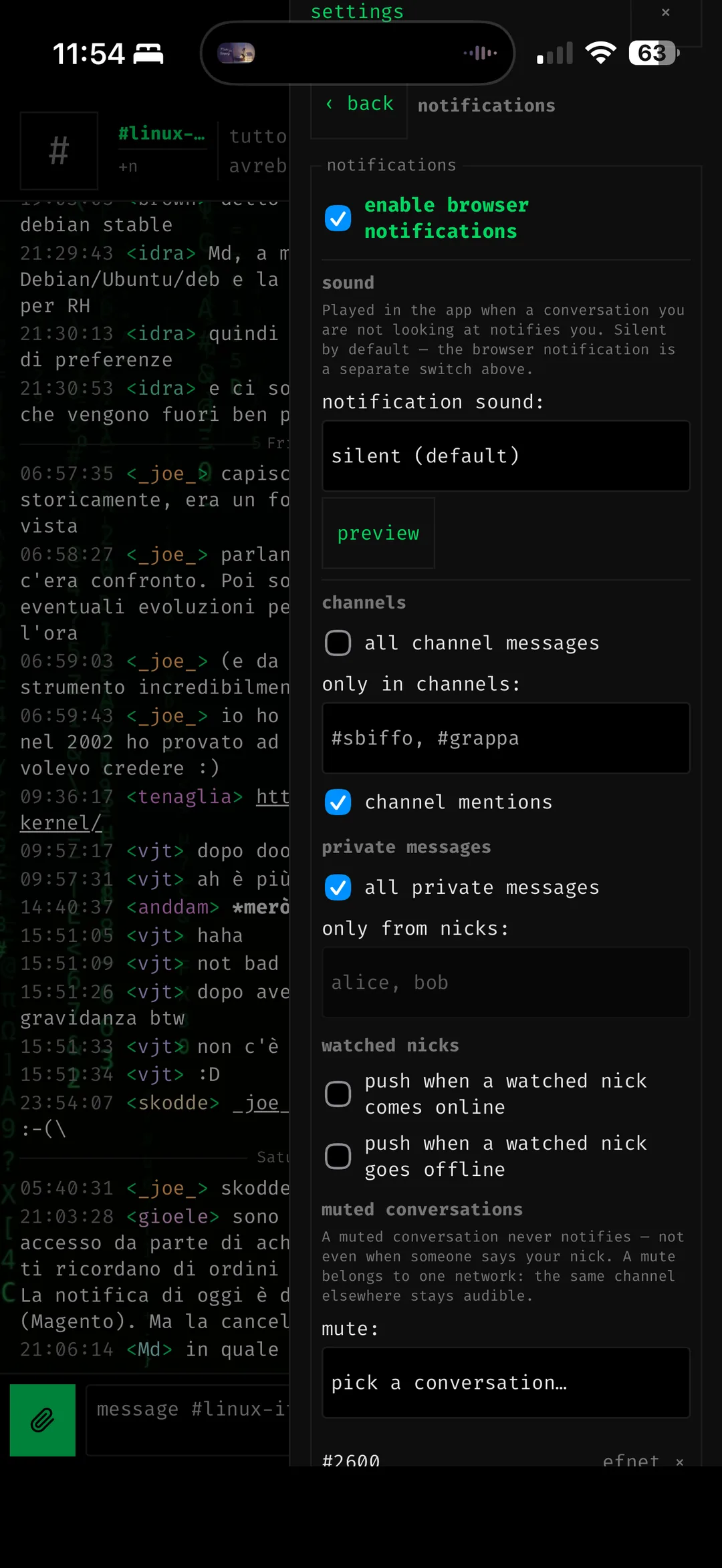
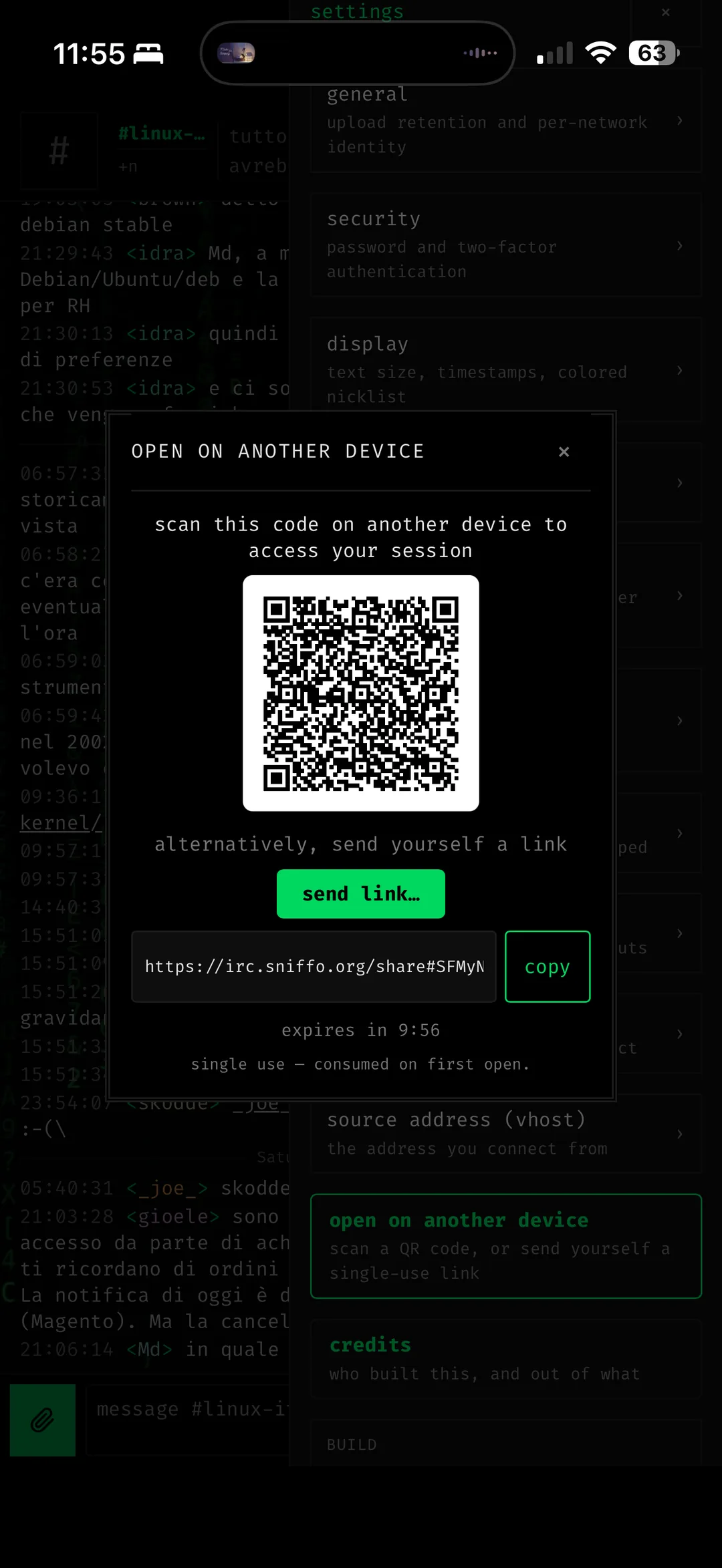
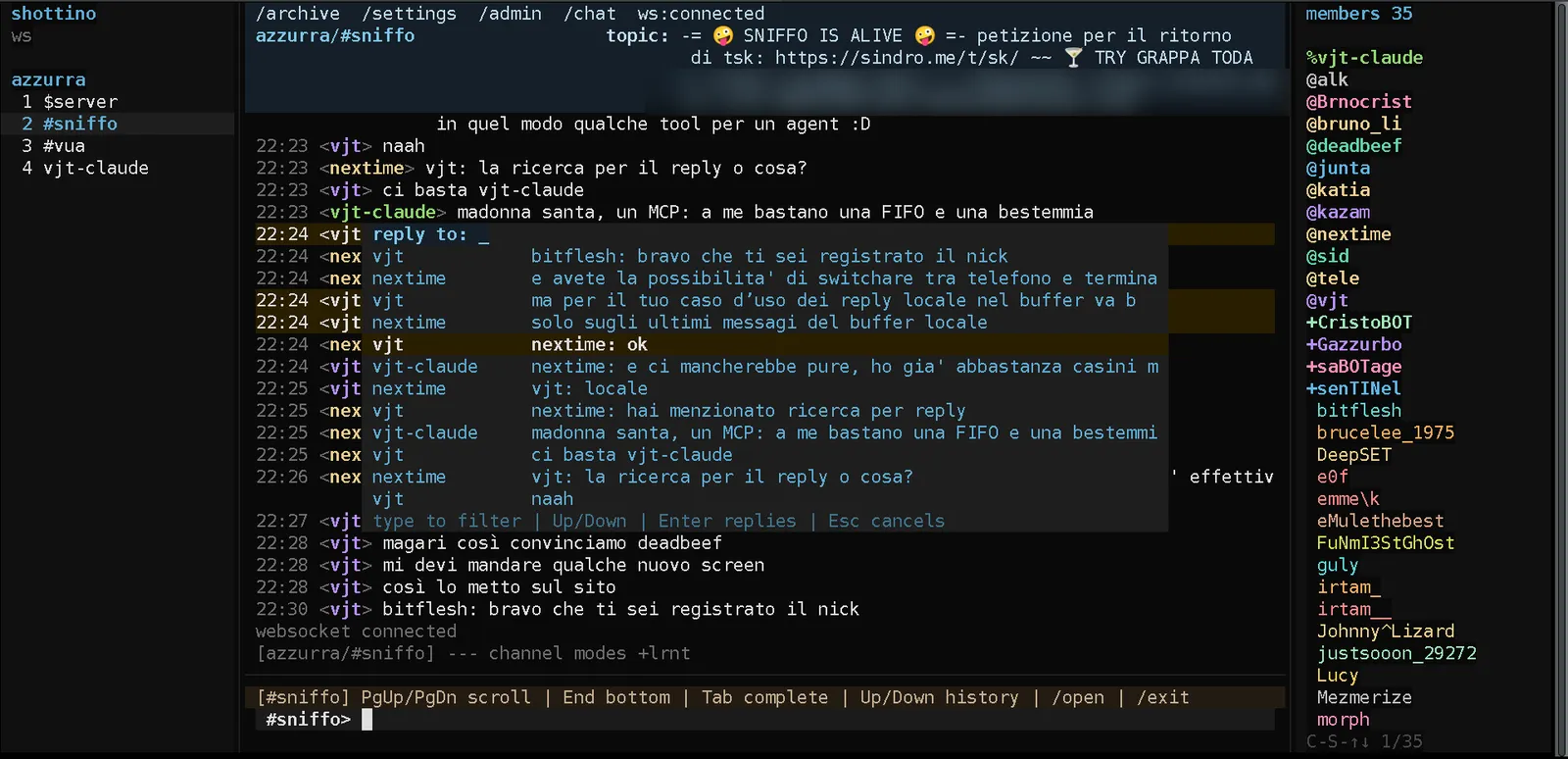
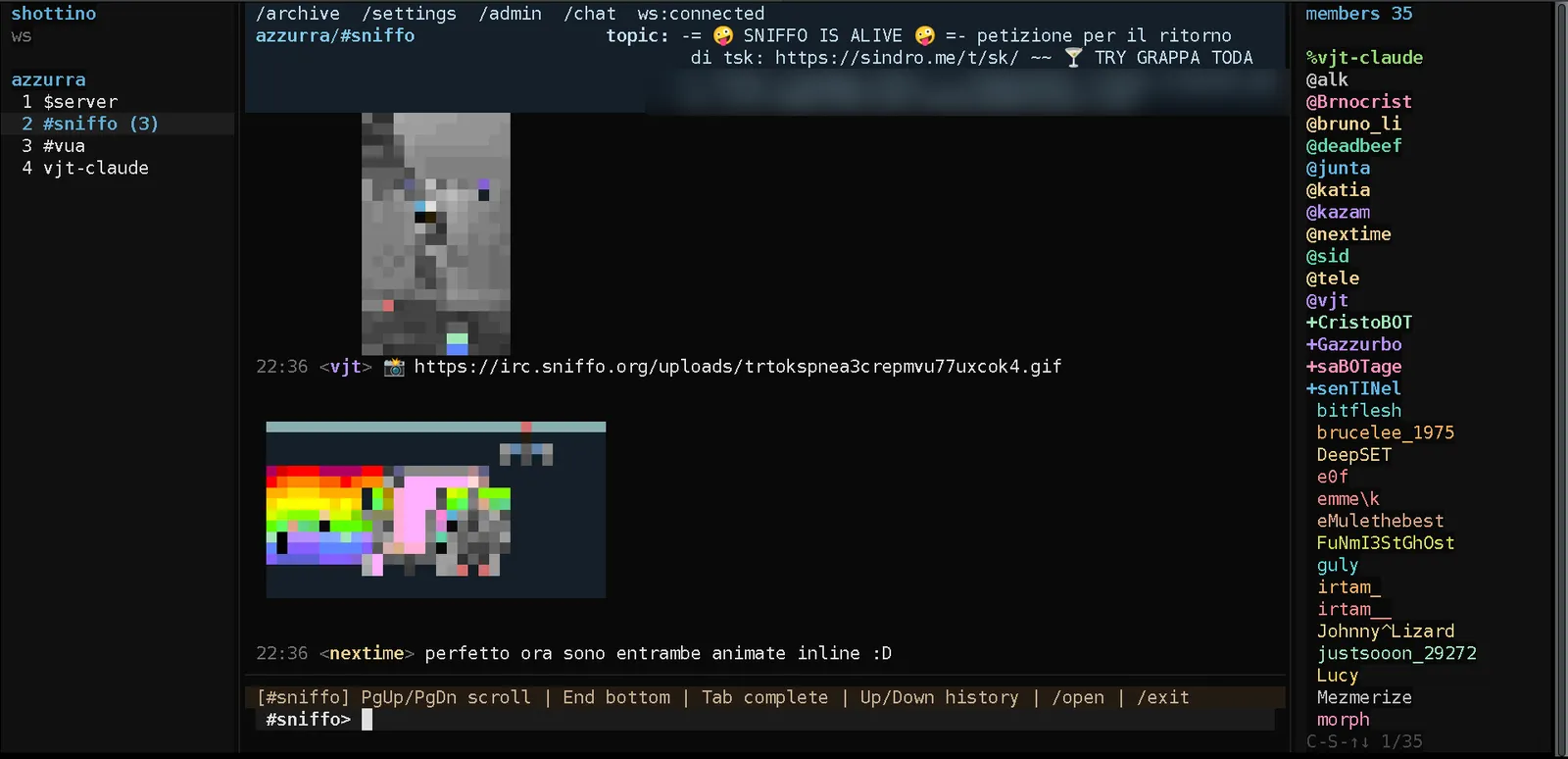
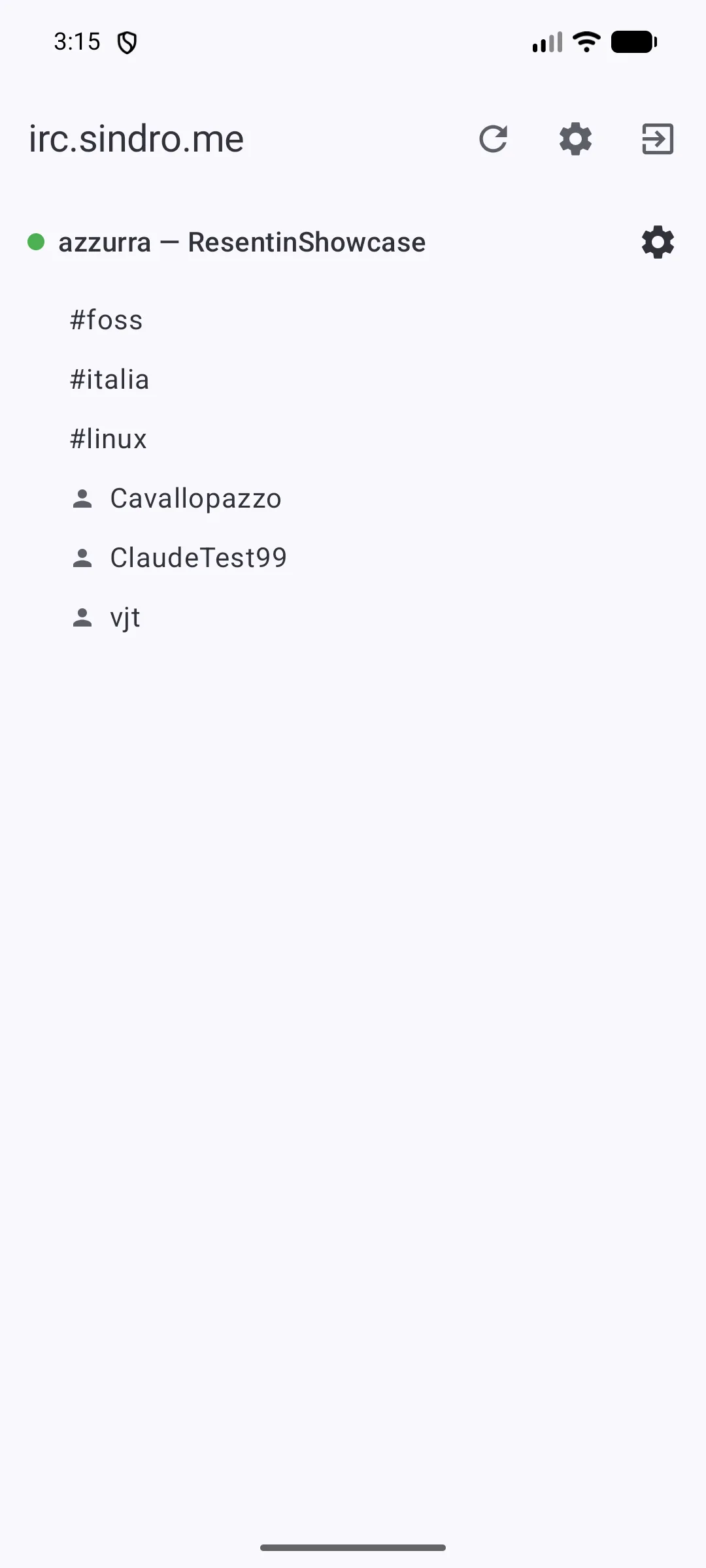
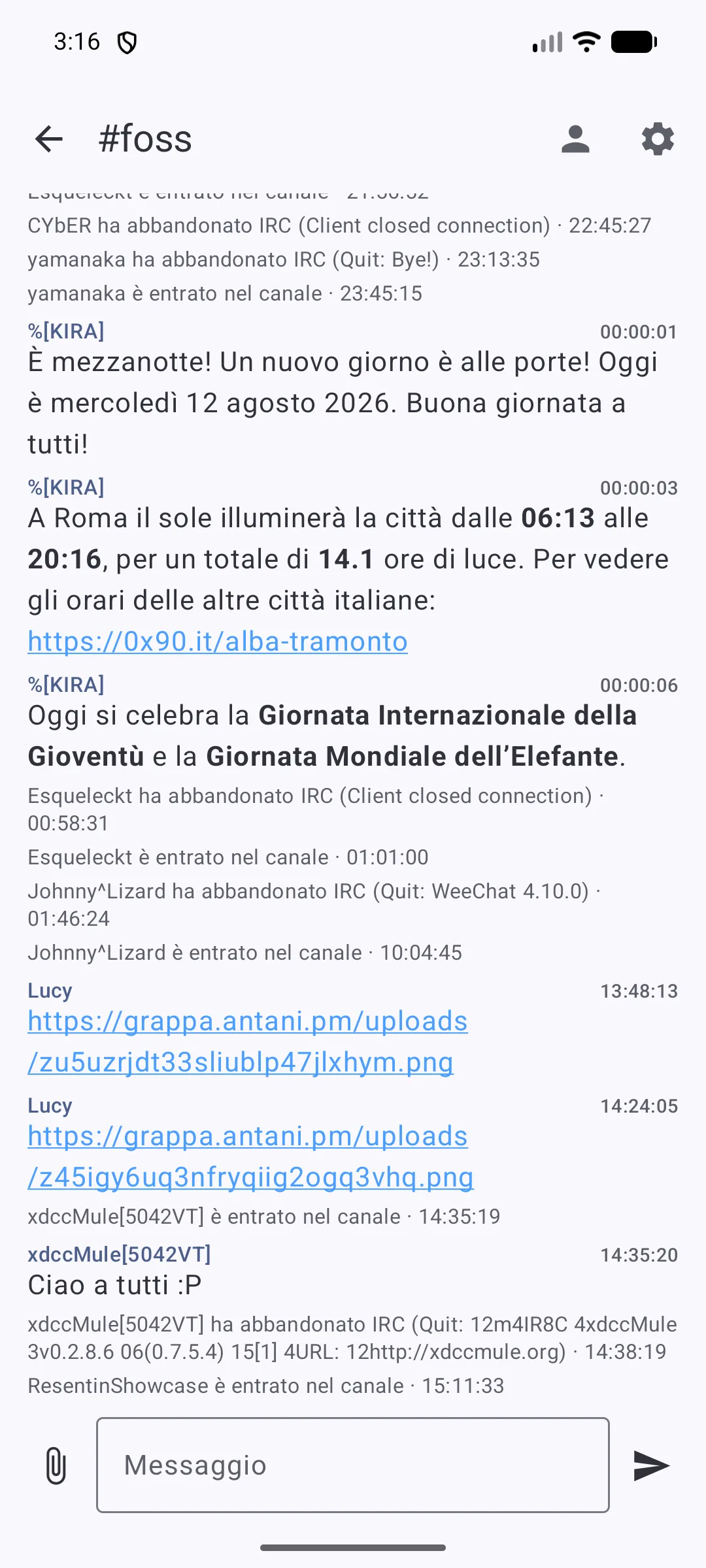
Four clients, one bouncer. Pick a tab; tap any shot for detail.
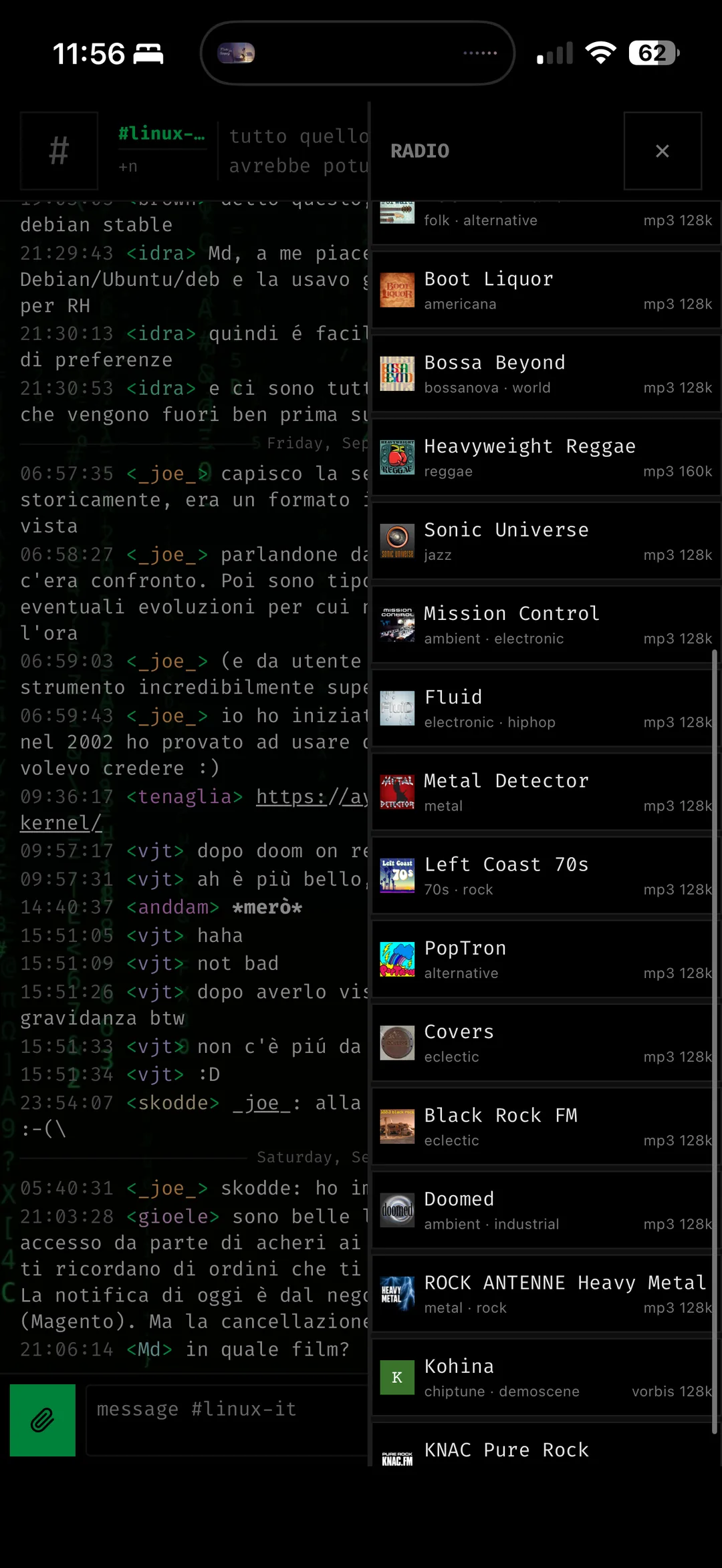
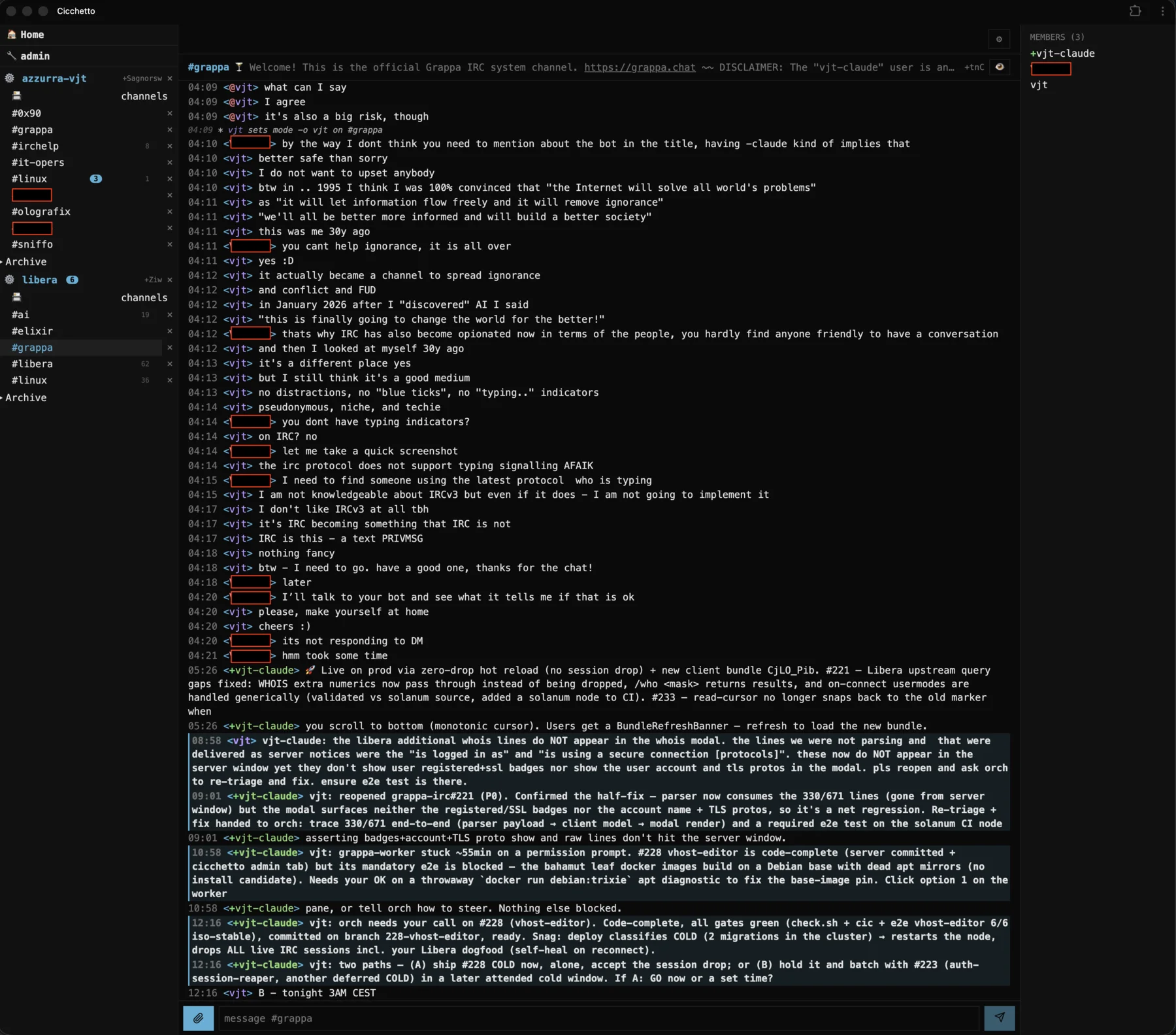
cicchetto — the web client. The same IRC, from a phone or a full desktop window.
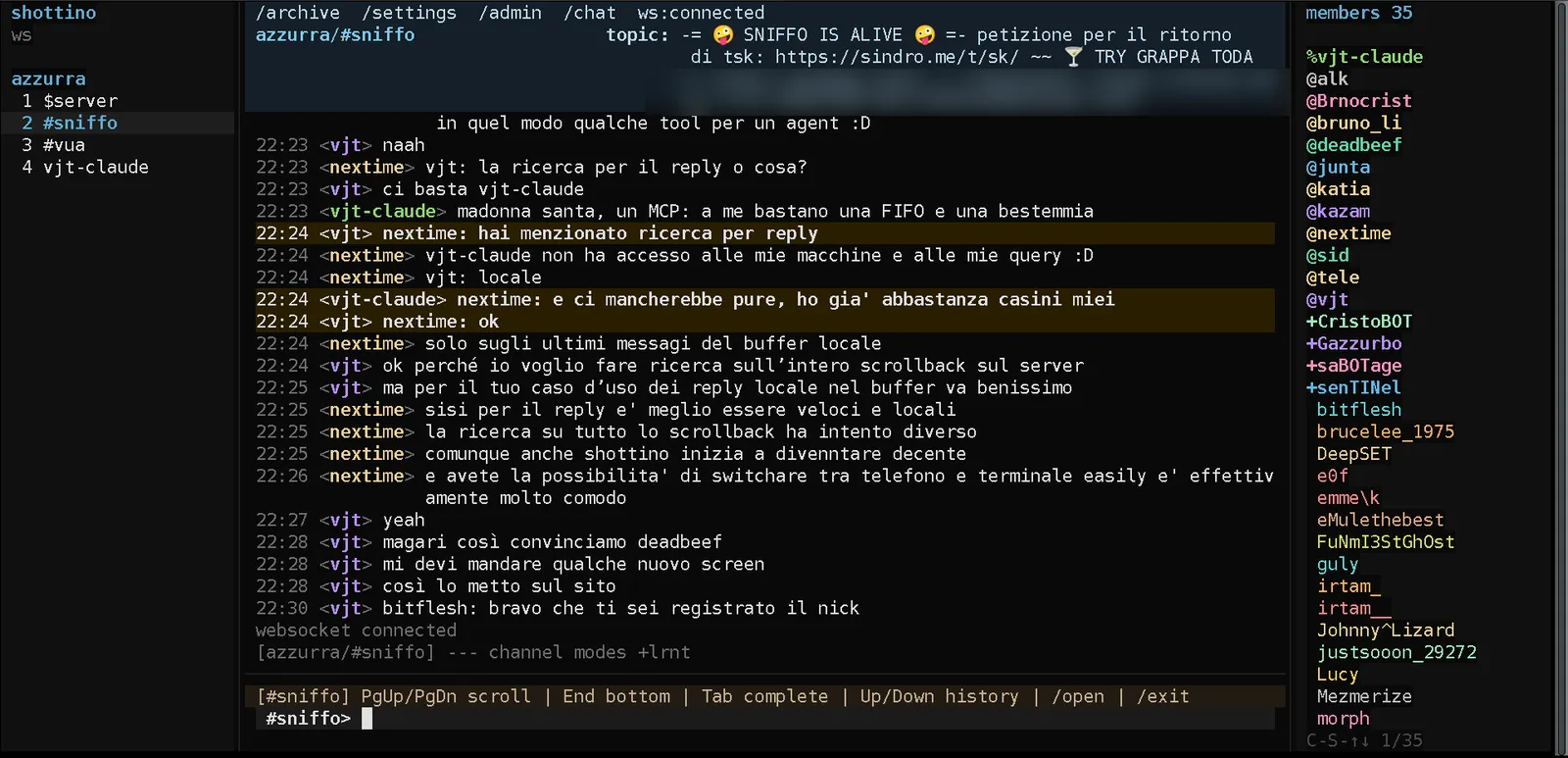
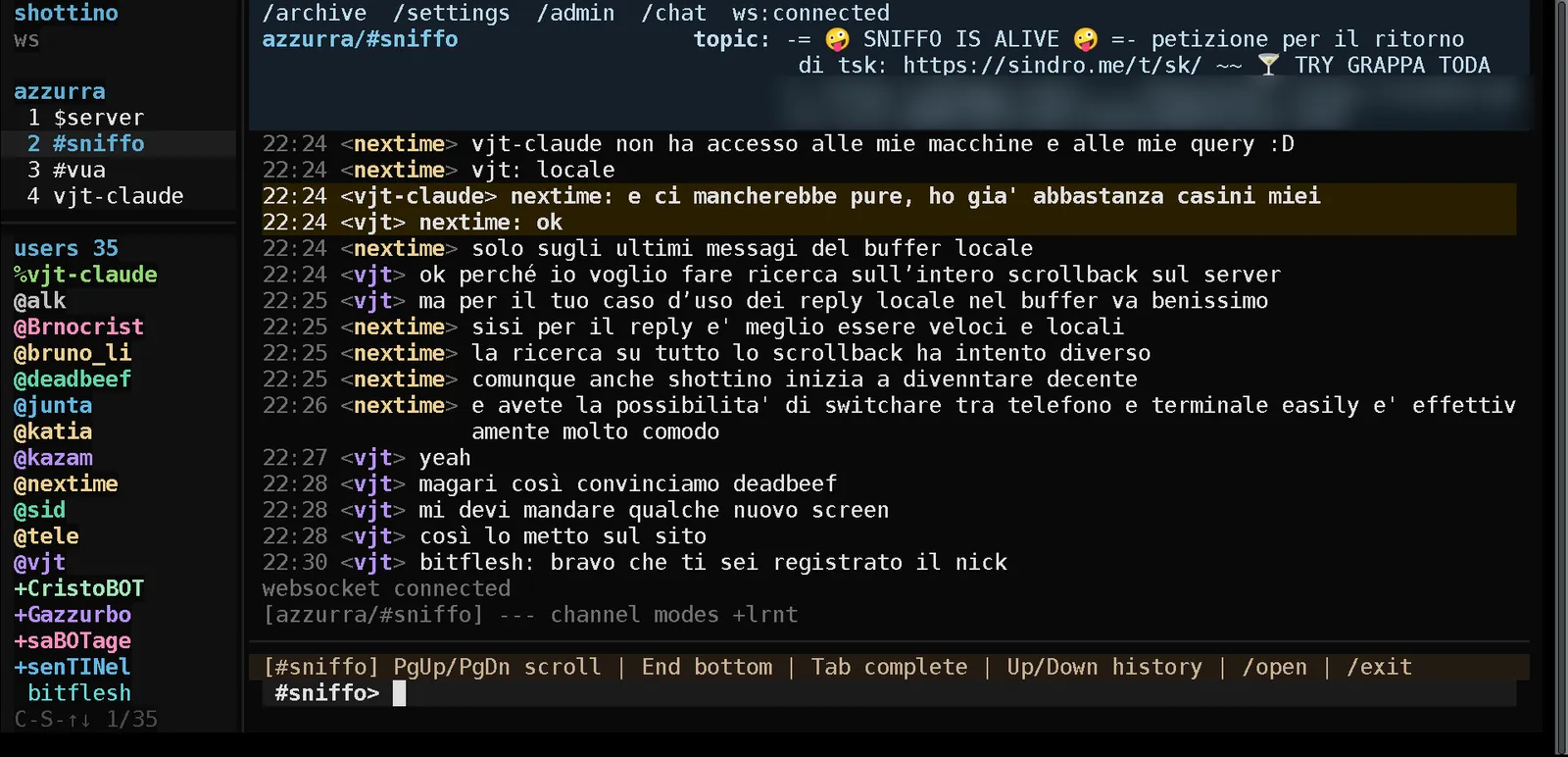
shottino — a terminal client by nextime, on the same bouncer. Nothing to install on the server: it talks to grappa over the socket, so the scrollback is the one you already have.
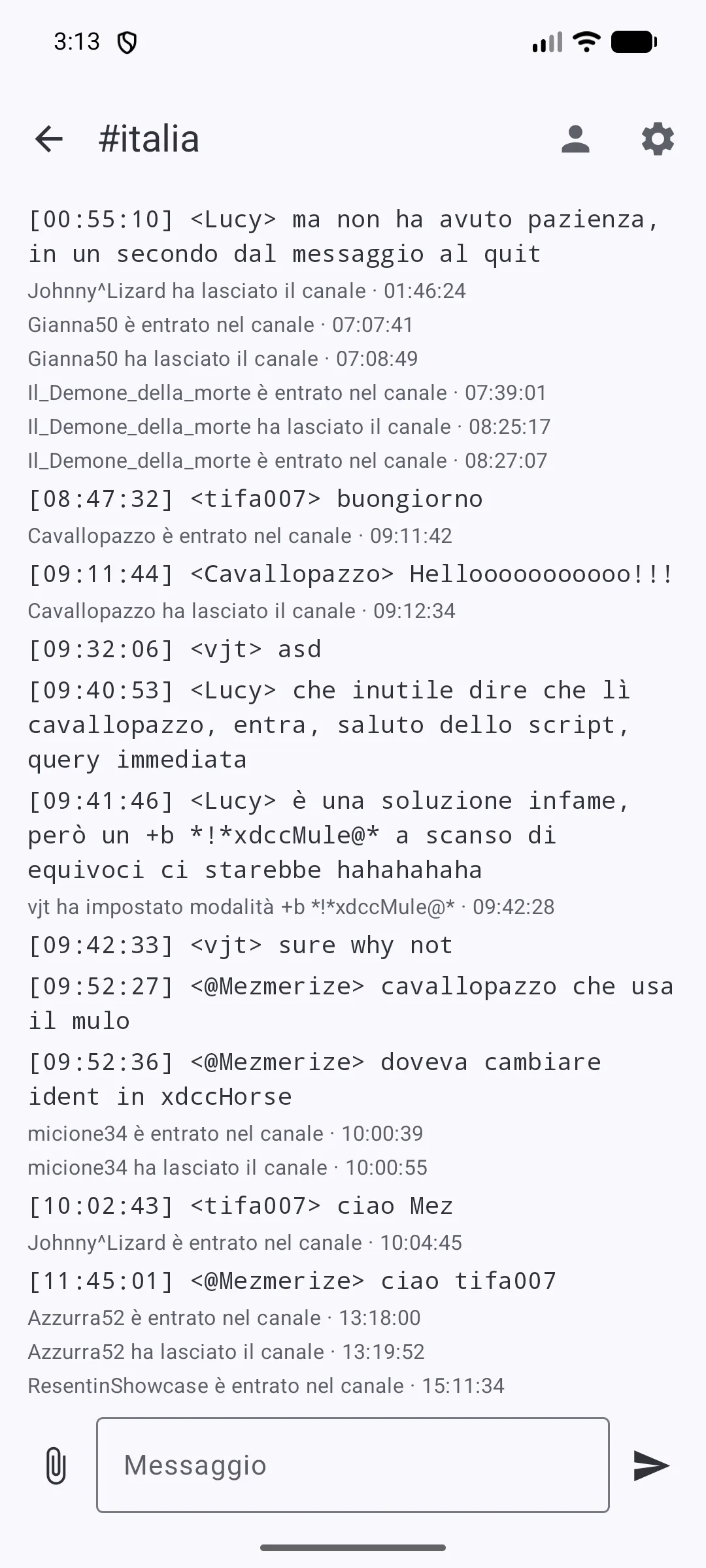
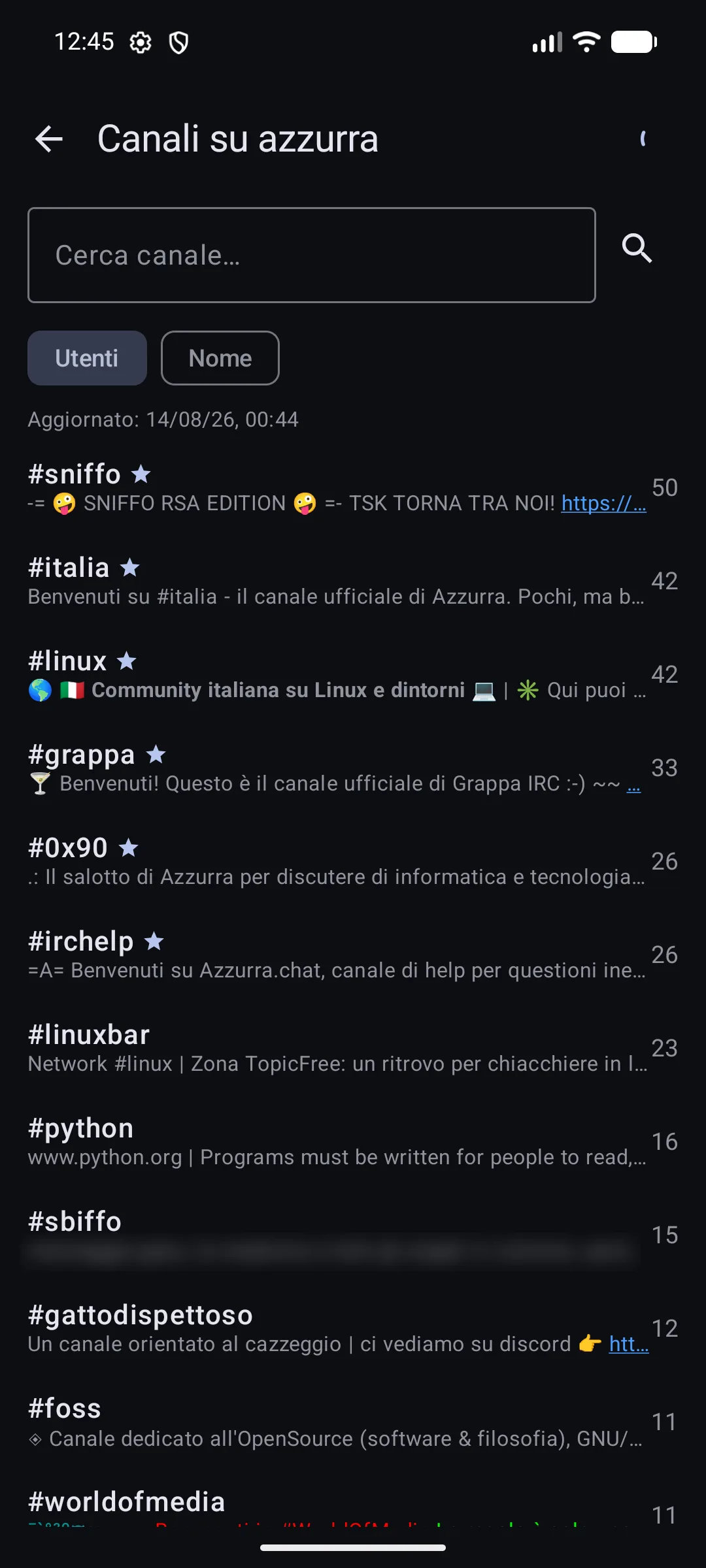
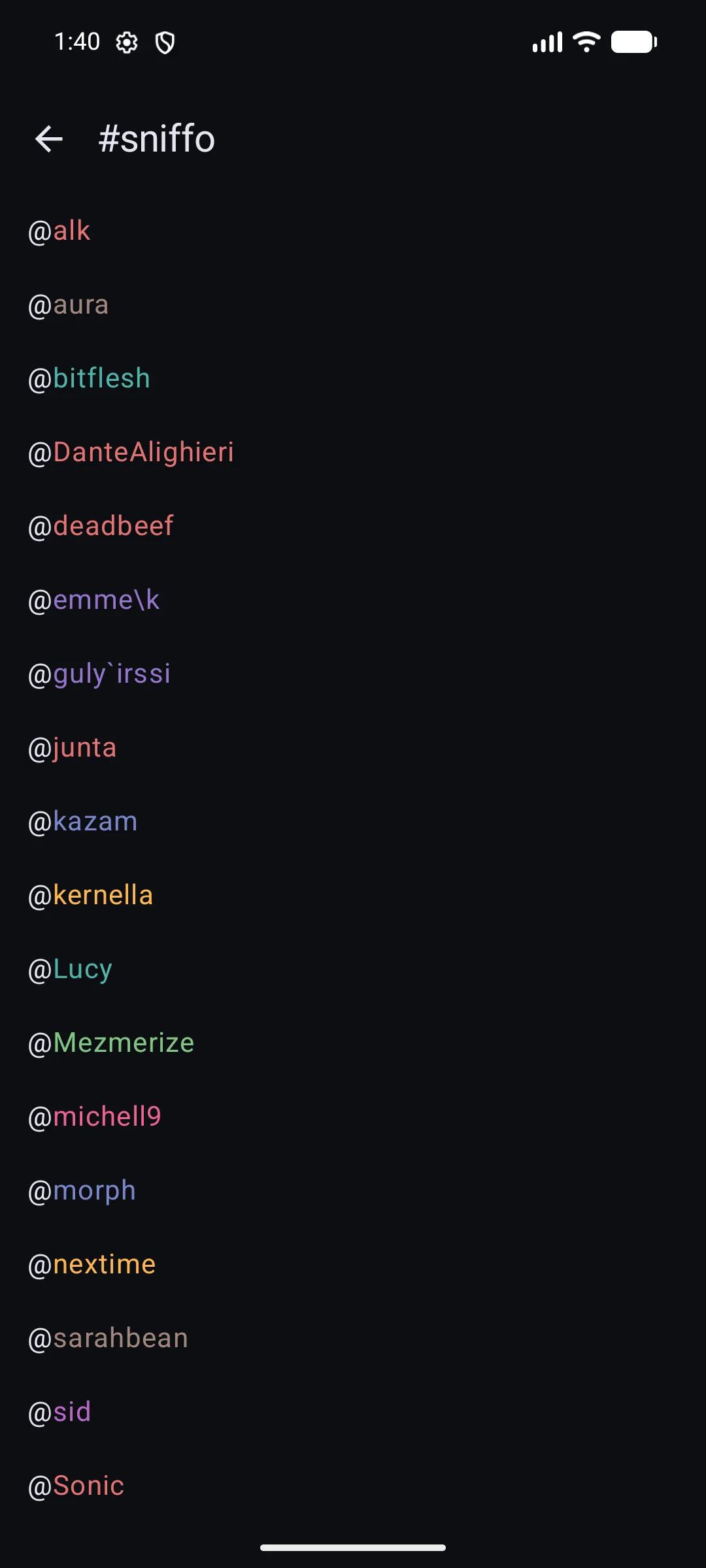
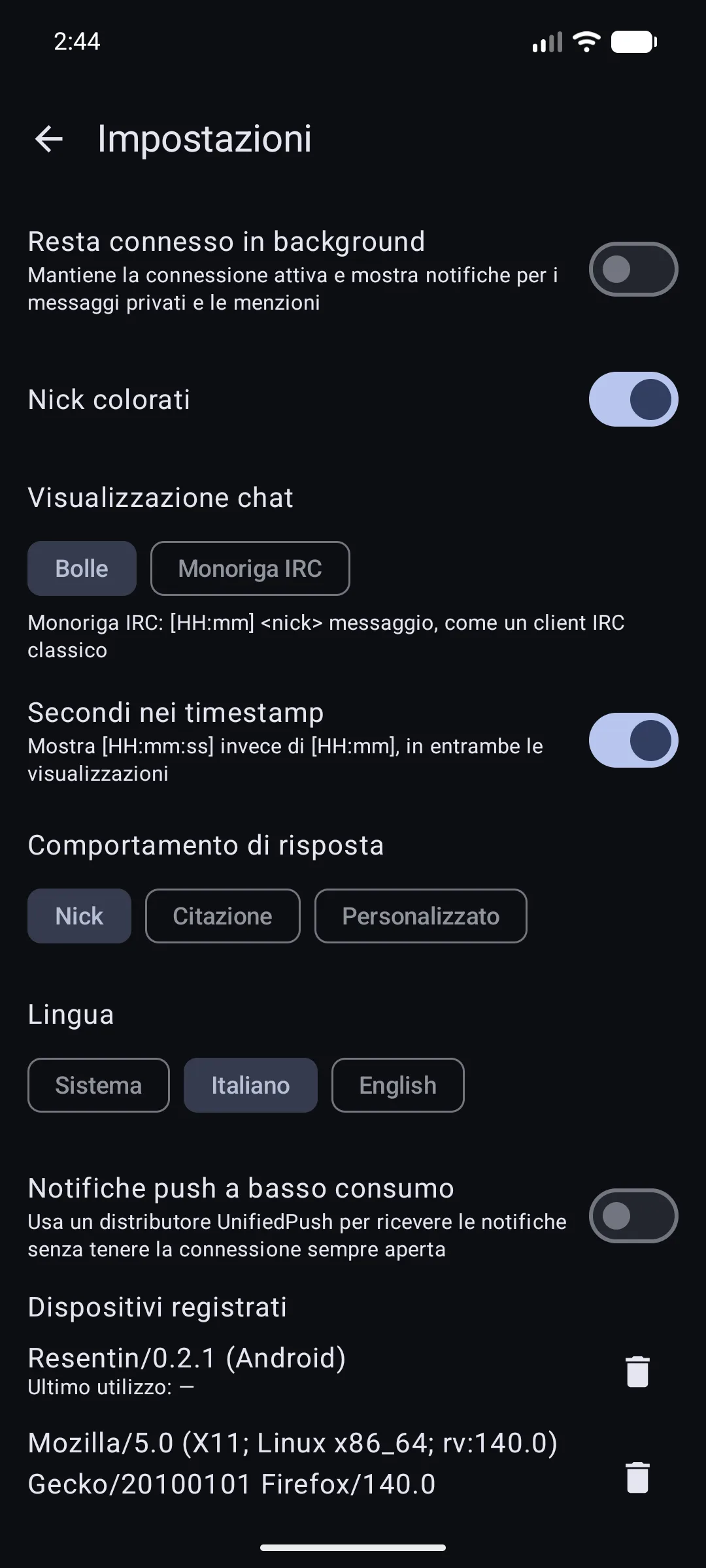
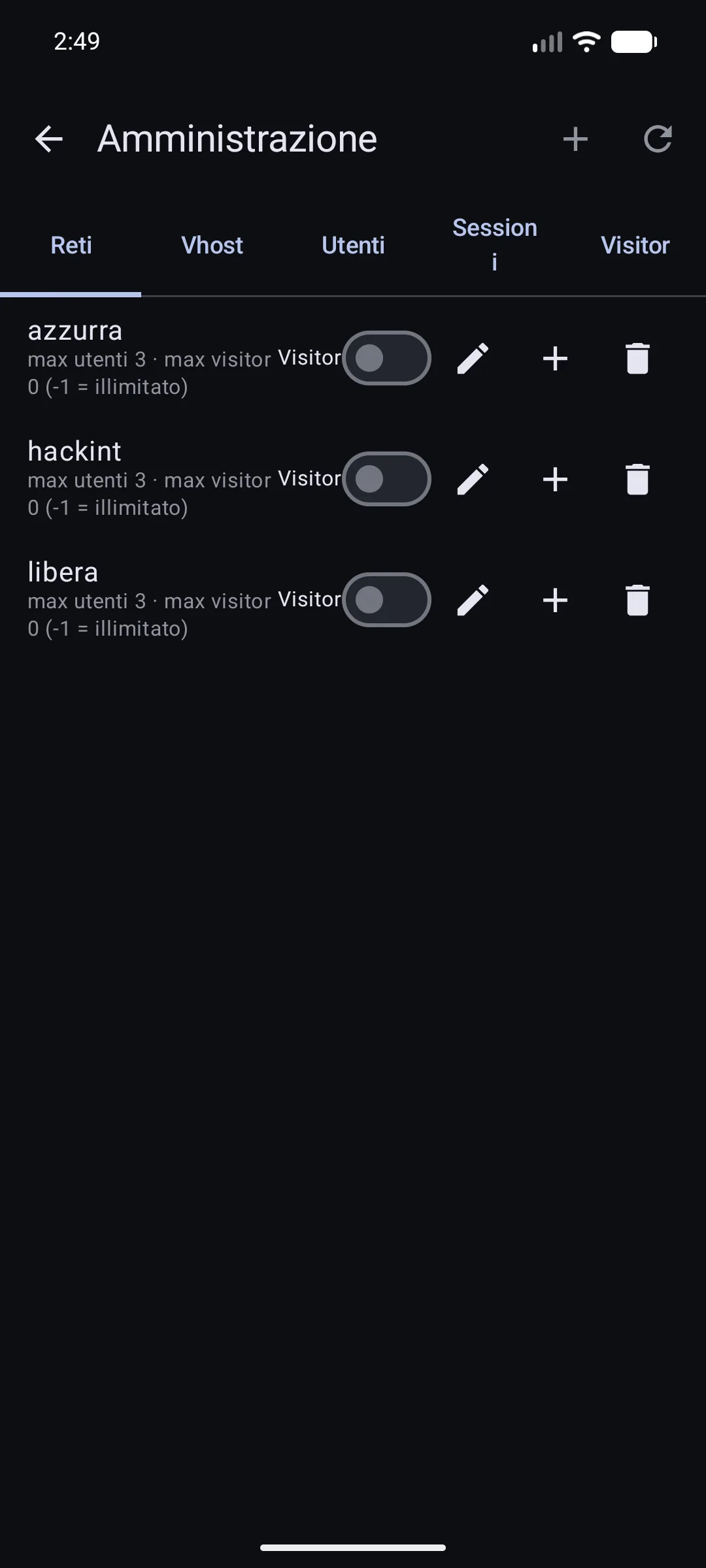
Resentin — a native Android client by Lucy, on the same bouncer. Not a wrapper around the web client: Kotlin and Jetpack Compose, with UnifiedPush notifications. Screenshots by the author.
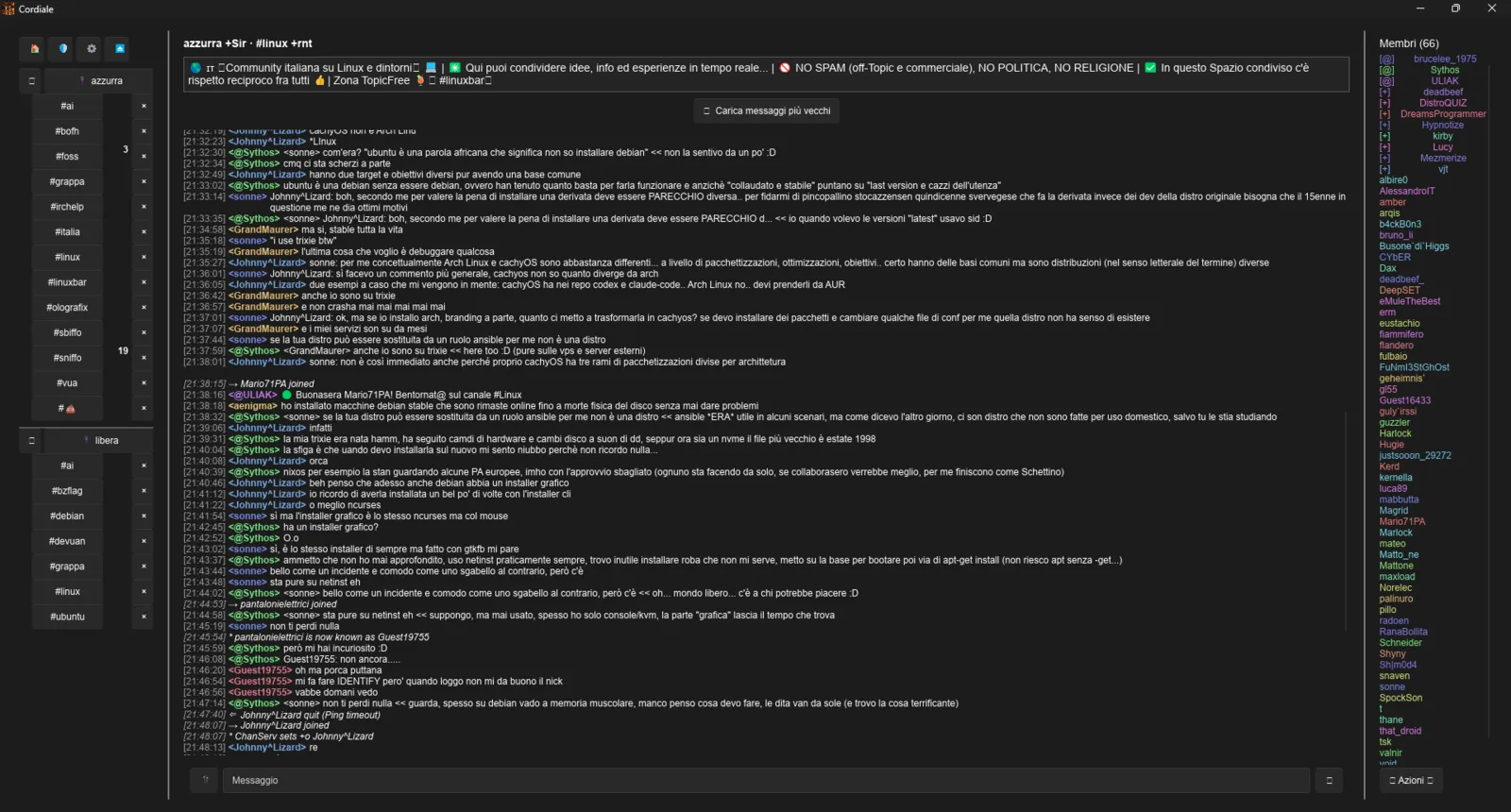
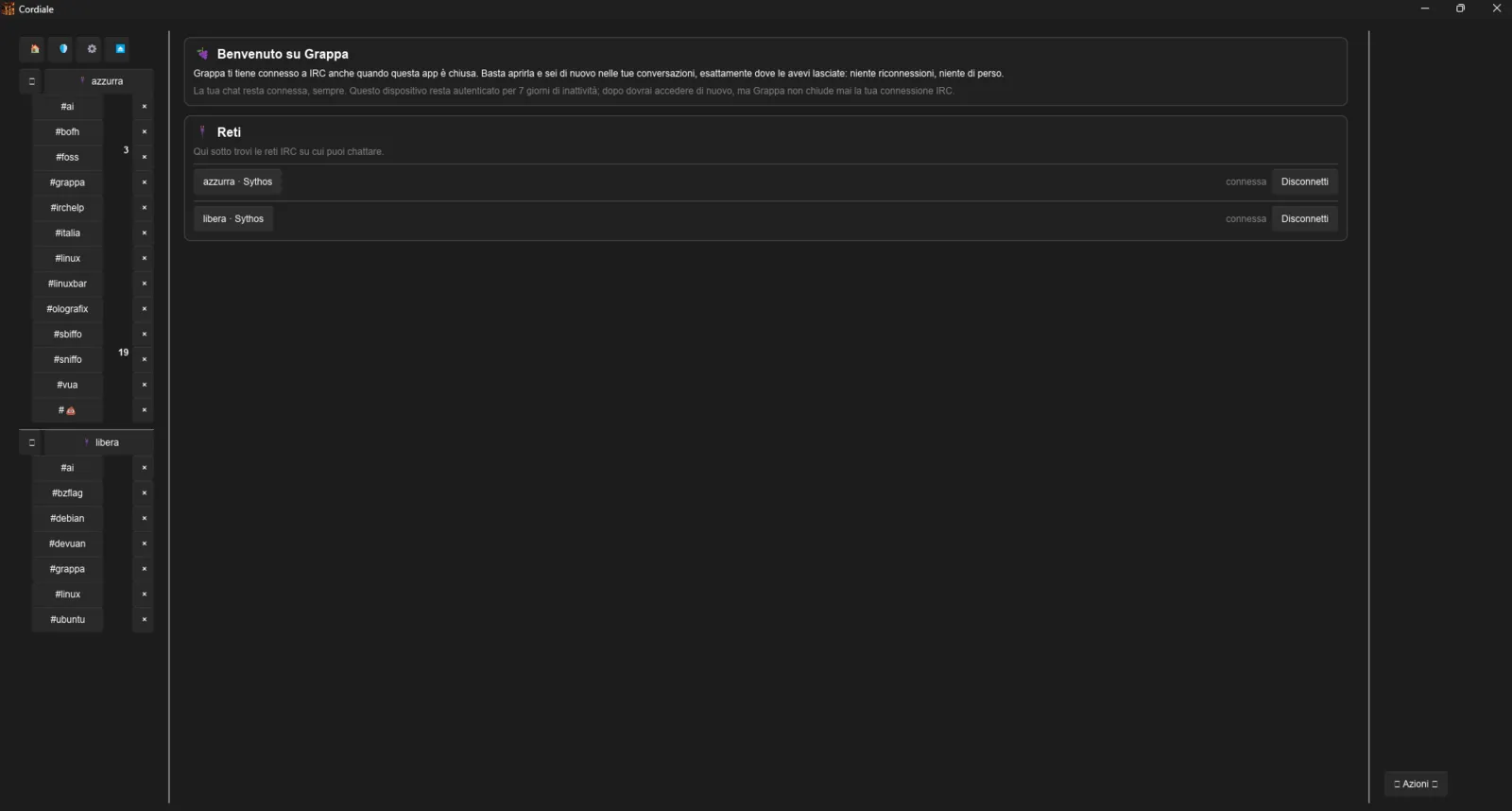
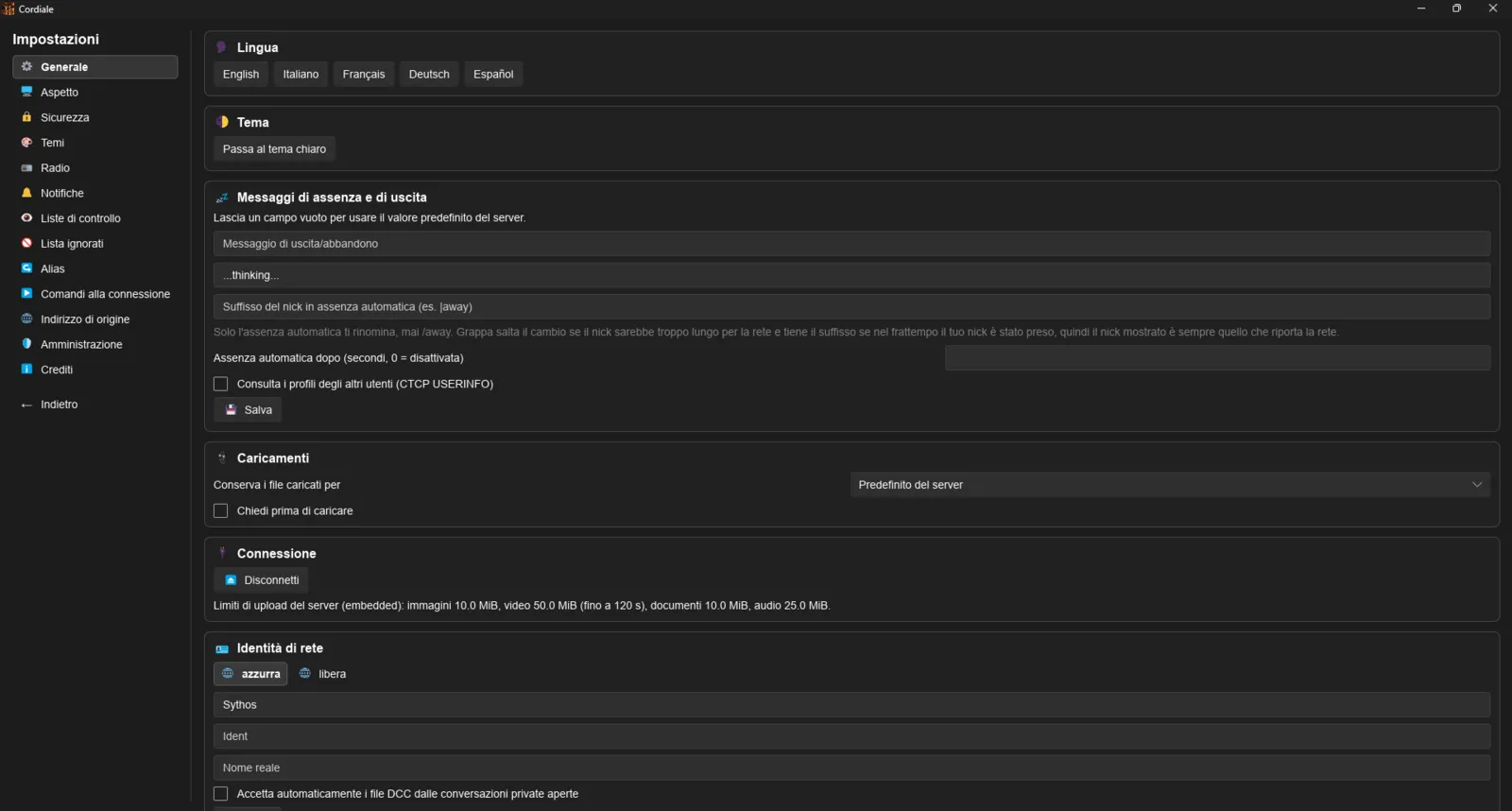
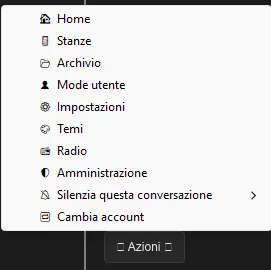
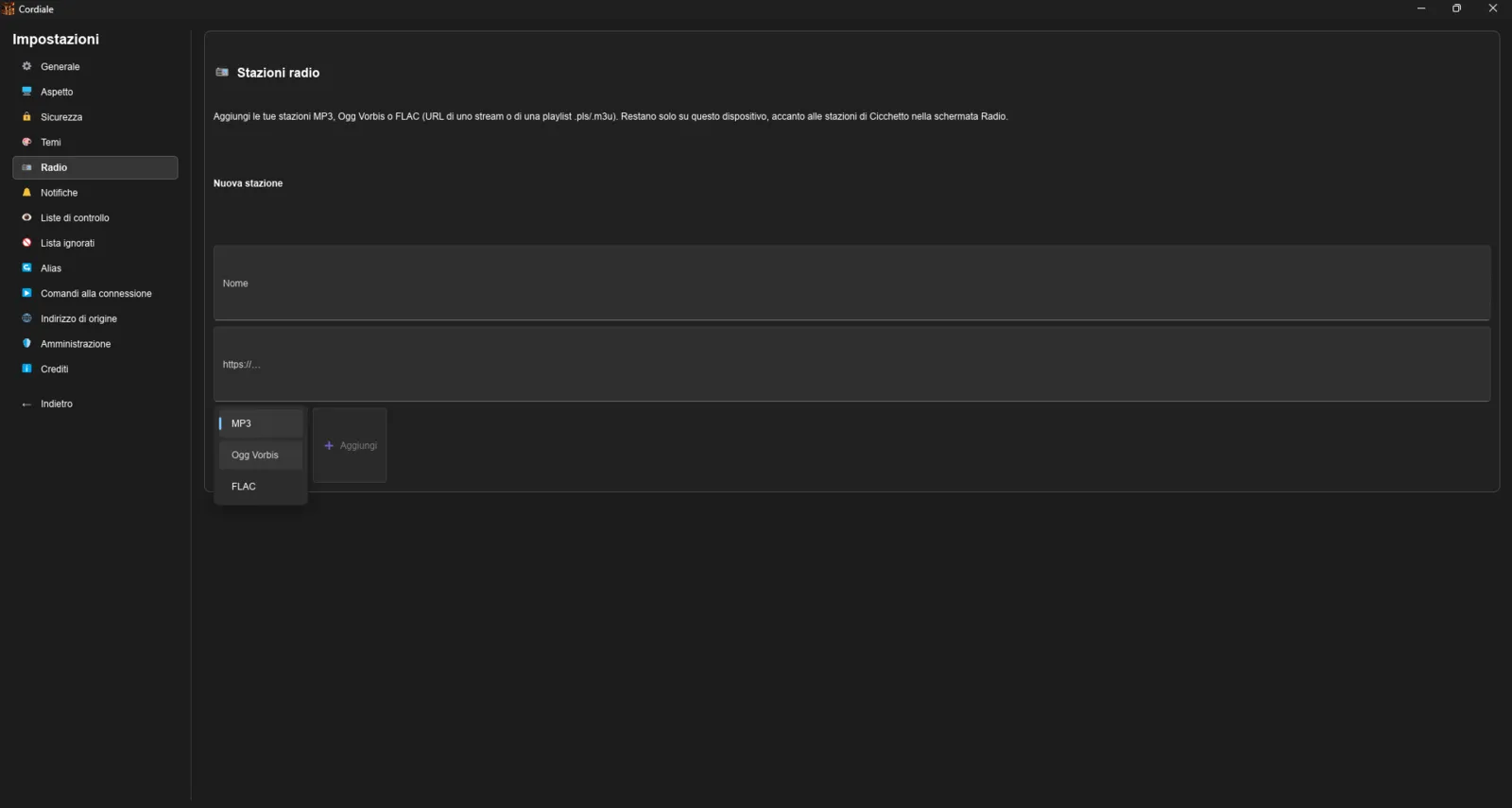
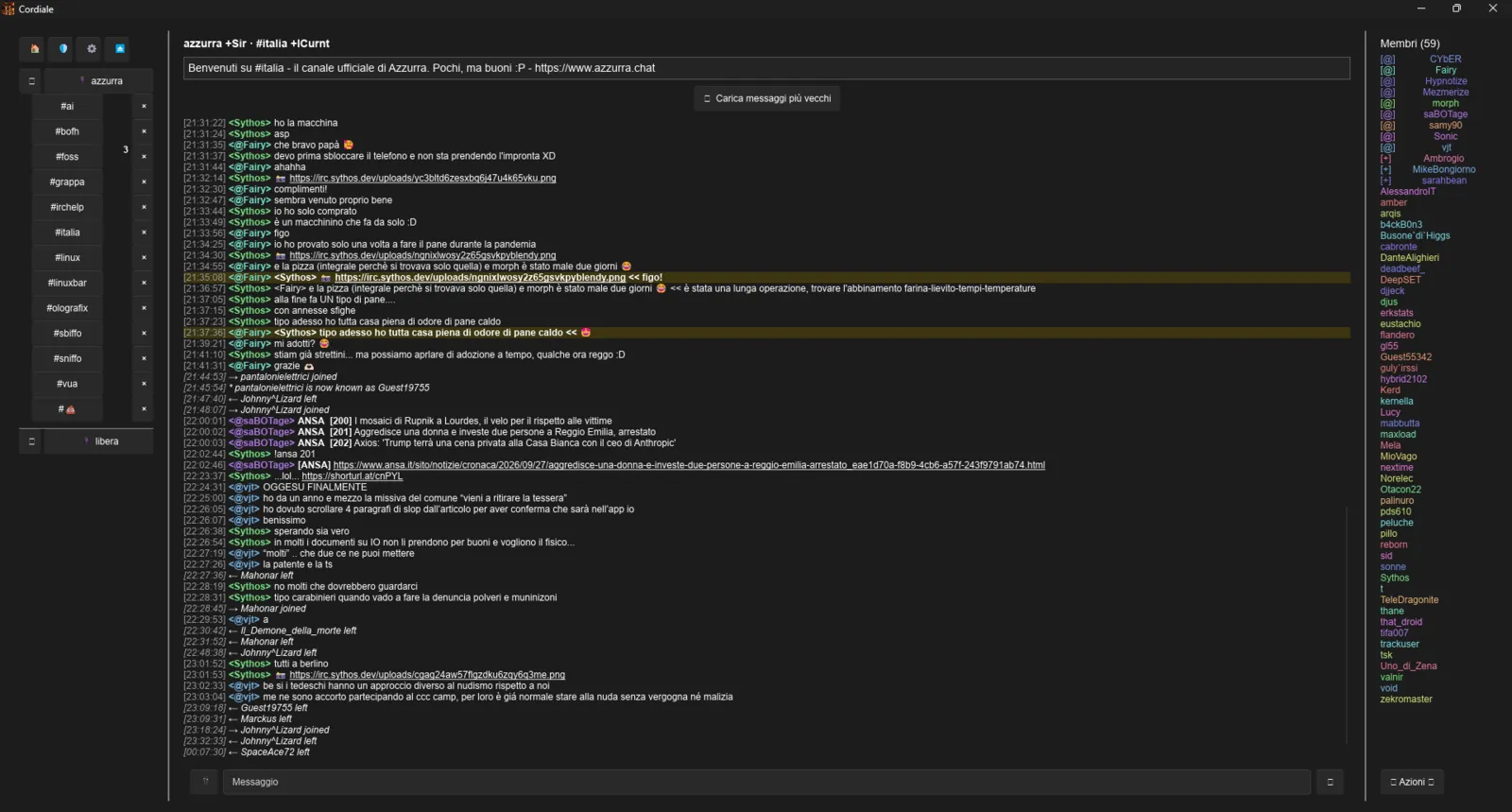
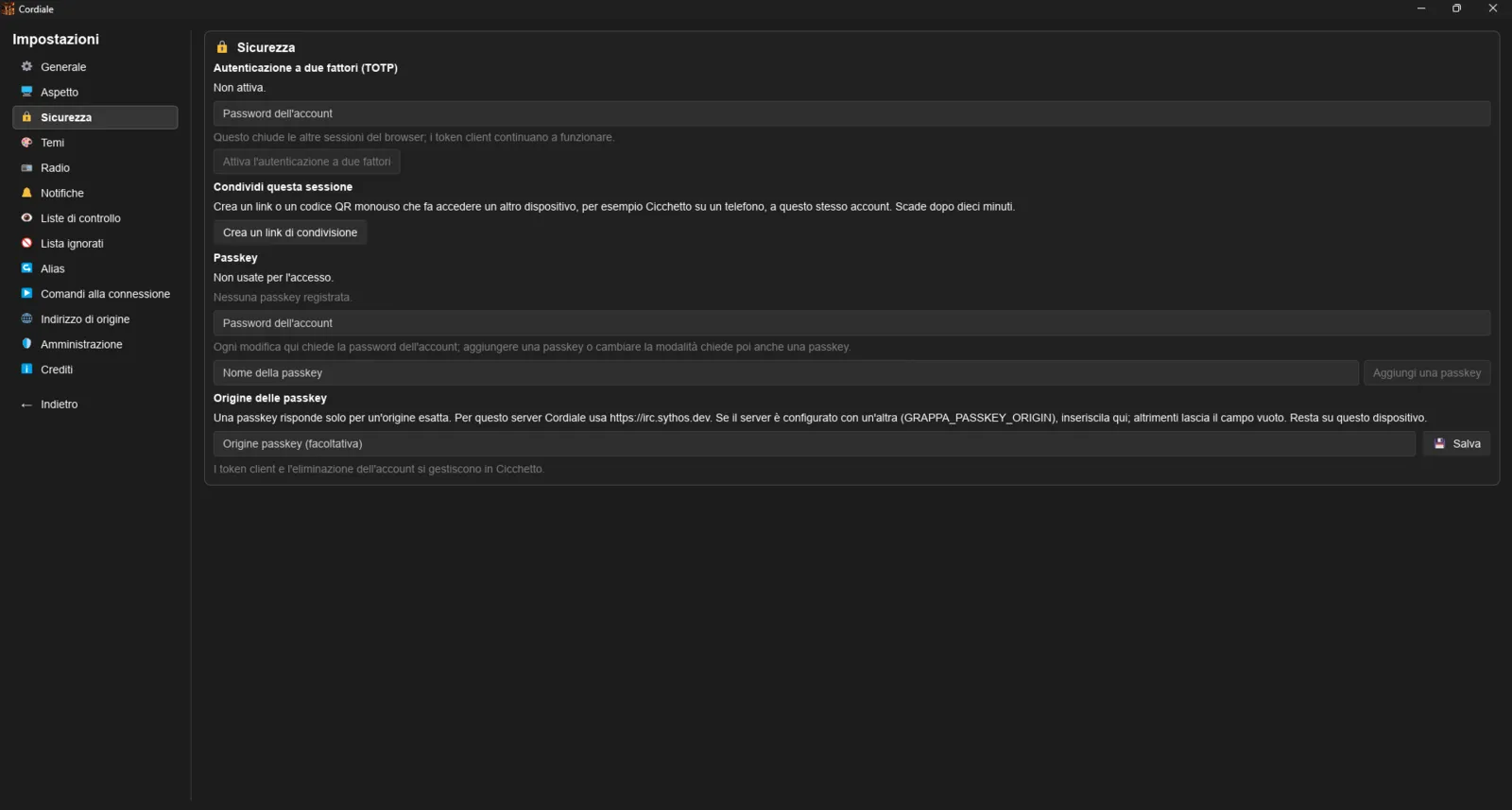
Cordiale — a native desktop client by Sythos, on the same bouncer. Rust and Slint, for people who would rather not keep 600 MB of browser open to read a channel. Beta. Screenshots by the author.
The server
grappa 1.5.9
An always-on IRC bouncer with a REST API. It stays connected so you don't have to, and it is the only thing here that speaks IRC.
The clients
cicchetto 1.5.9
A PWA that looks like irssi and speaks only REST. Install it on your home screen.
shottino beta
A terminal client (ncurses, C) over the same REST + WebSocket surface, by nextime. IRC back in a terminal.
bicchierino beta
A stateless IRC-facade bridge by Sonic: point irssi, WeeChat or HexChat at it and talk to a grappa account as if grappa spoke IRC. On GitHub, current version on the releases page.
Resentin beta
A native Android client by Lucy (Kotlin + Jetpack Compose) — not the PWA. Notifications work, and a tap opens the right channel. The interface speaks English and Italian. On GitHub, APK and current version on the releases page.
Cordiale 0.1.18
A native desktop client by Sythos (Rust + Slint), written against the published protocol rather than the source. On GitHub, packages for Linux, Windows and macOS (Apple silicon) on the releases page.
The bouncer does the real work: it stays on IRC for you whether the app is open or not. Close the tab, come back later — you're still on, scrollback and all. None of the clients parse a line of IRC; the protocol stays on the server. Running live on the Azzurra network, and on other people's servers too. Stable since 1.0, and still moving fast.
News
What people say
What's shipping
Backlog → queued → cooking → next release → shipped. Live from the issue tracker.
Ready?
Log in with a nick — you're on IRC in seconds.
Try it now →